

Commentary written from your file, finished and paste-ready.
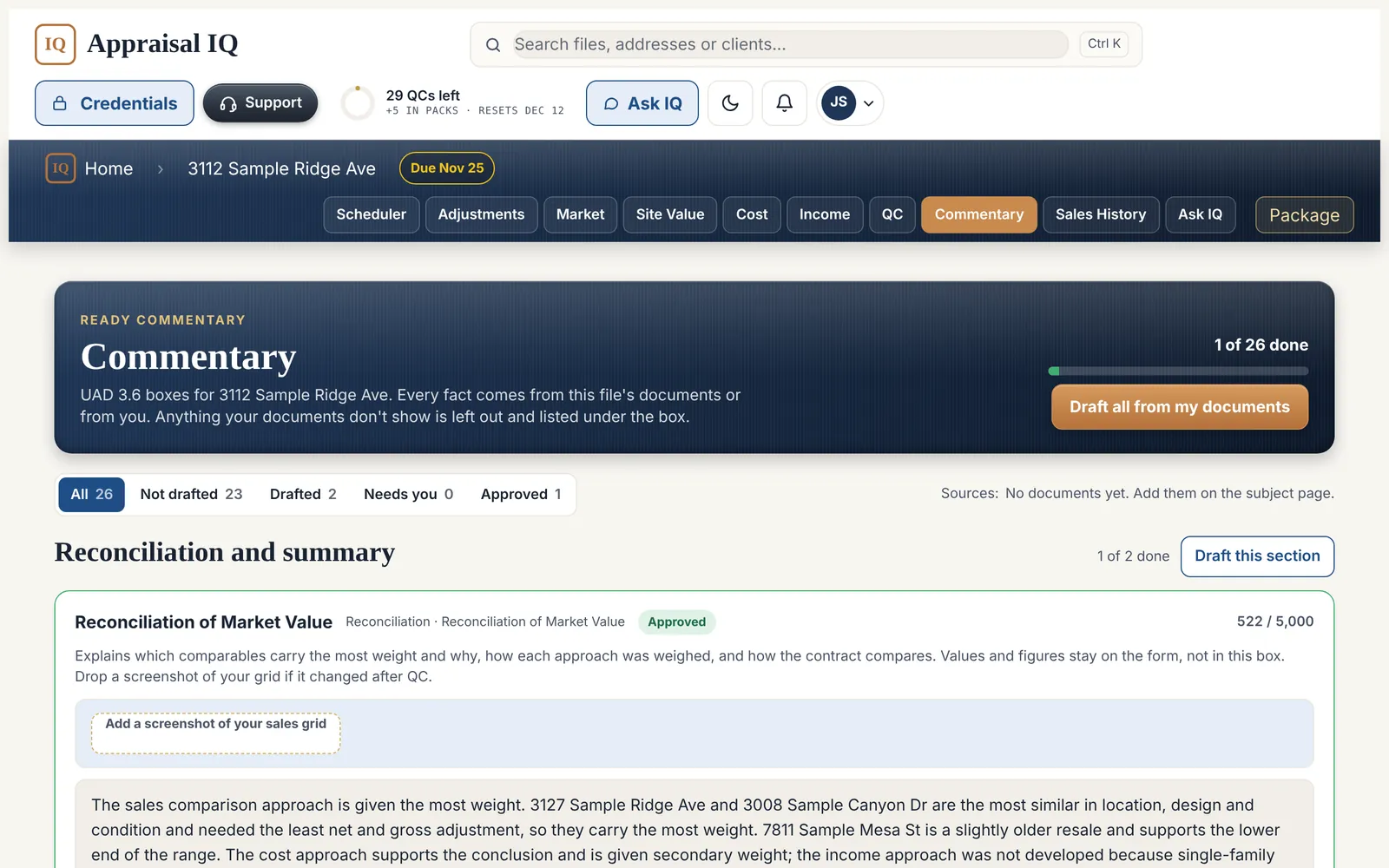
Ready Commentary lists every commentary, summary and reconciliation box on the form with its character limit, and drafts each one from the documents in the file. Every fact comes from your file or from you. Ask Osova answers the questions in between, with the guideline cited.
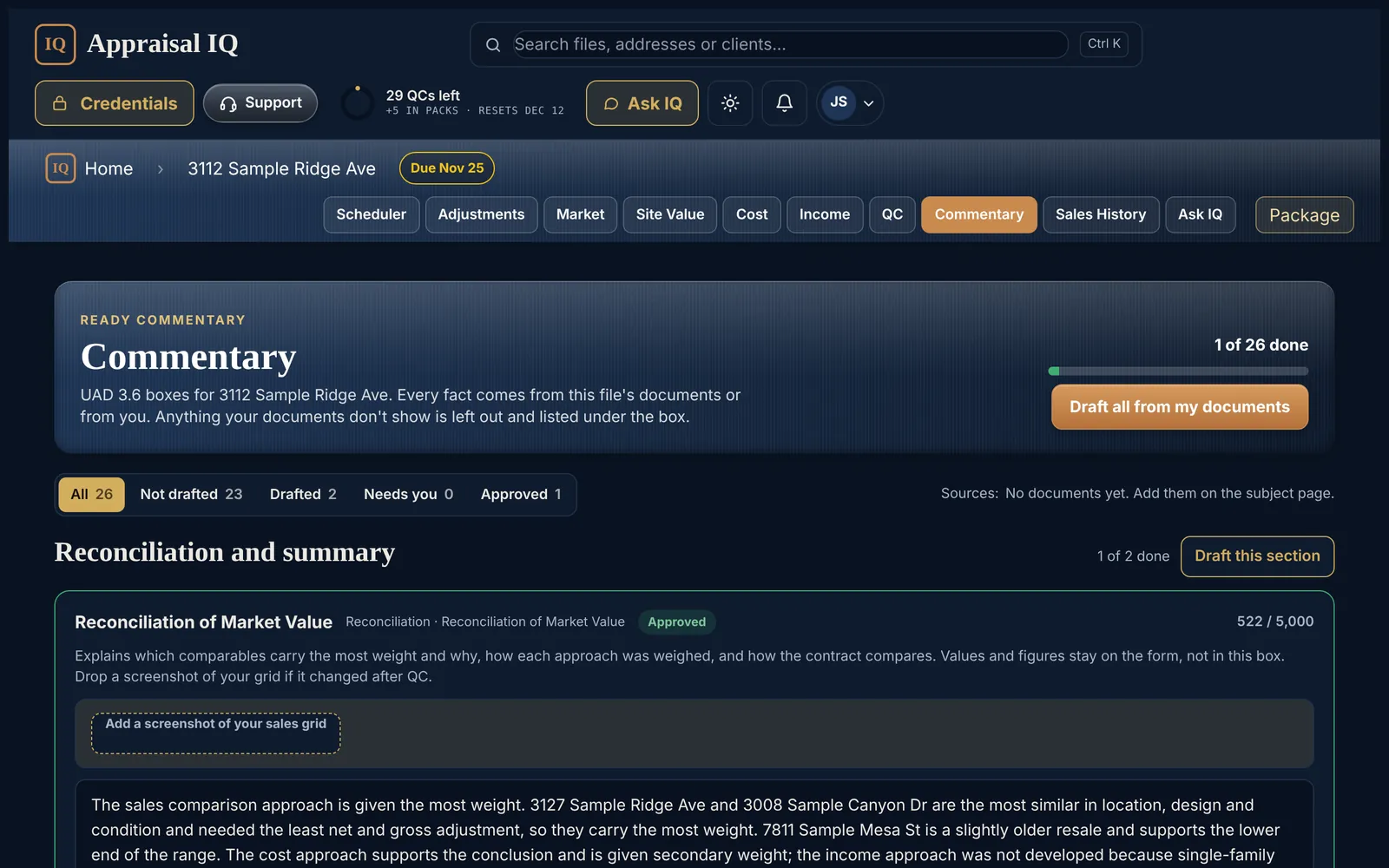
The commentary takes longer than the analysis.
UAD 3.6 asks for more narrative in more places, and each box has a character limit, a reviewer reading for biased words, and a figure on the form it shouldn't contradict.
Dozens of boxes, each with a limit
Market area boundary, search criteria, site, improvements, reconciliation, transfer history, rental information.
Canned text that goes stale
A copied paragraph that names "comparable 3" is wrong the moment the grid is reordered.
Looking up the guideline
A condition comes in and the answer is somewhere in the Selling Guide or HUD 4000.1.
Draft from the file. Check it. Paste it.
Ready Commentary and Ask Osova read only the documents in this file, so nothing carries into another file.
Draft each box from your documents
Draft one box or a whole section. Add your own notes by voice, or a screenshot of your sales grid, before drafting. A Check before you paste note lists any wording to look at. Approve a box when it's right and copy it as plain text.
- Comparables named by street address, never "comparable 1"
- Figures already on the form aren't repeated
- UAD 3.6 terms, no biased or subjective words
Ask Osova for the rest
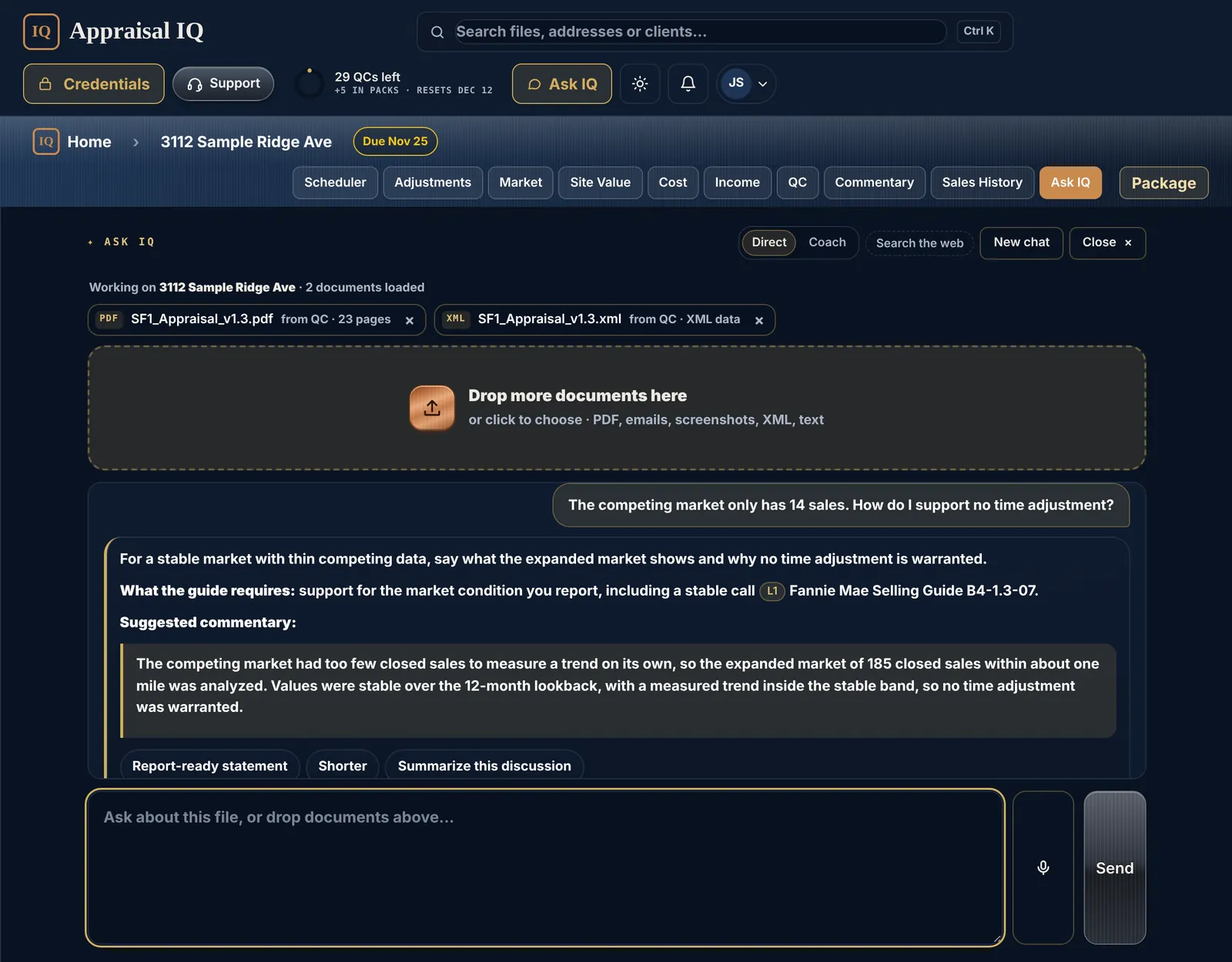
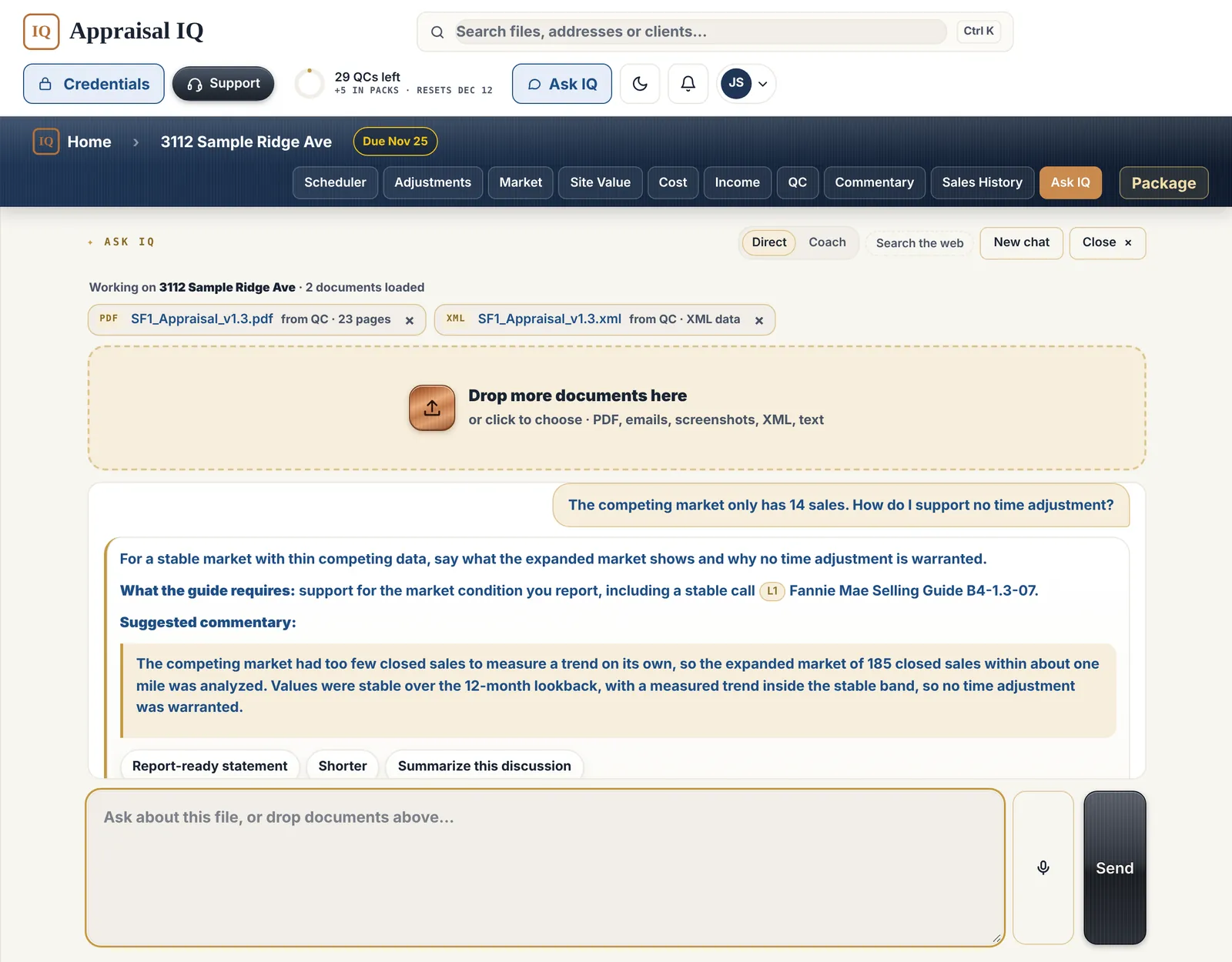
Ask about a guideline, a condition, a UCDP message or your own report. Ask Osova answers from its reference library with a citation on every rule, and says so when the library doesn't cover it. Ask it to search your report and it lists every hit with the page and sentence.
- Direct for chapter and verse; Coach for the why
- Report-ready statement, Shorter, or Write it for the report
- Drop files or images right into the chat
Every box, written the way reviewers read.
It writes from your file. The words you sign are yours.
Every draft is built from the file's documents and your notes, and nothing is made up. You approve each box before you copy it, and Ask Osova cites its source so you can read the passage yourself.
Straight answers.
Will it make up facts?
No. Every fact comes from the file's documents or from you. If something isn't in the file, the draft leaves it out rather than guessing. Add the report XML or PDF, MLS sheet, tax record and contract first.
Does it work for UAD 2.6 forms?
Yes. 2.6 Forms fills the legacy form sections from the same file, and Ready Commentary drafts for UAD 3.6 and 2.6.
What's the difference between Direct and Coach?
Direct gives a quick, clean answer with chapter and verse and suggested wording. Coach gives the same answer plus why it matters and why an underwriter asks: good for trainees.
Does it use a QC?
No. Commentary, Ask Osova questions, revisions and ROVs don't use a QC. Normal use is unlimited; a fair-use limit only guards against abuse.
Where are my conversations kept?
On your computer. Your reports and work stay on your computer.
One subscription. Your whole desk.
Ask Osova and Ready Commentary is one of 16 tools in every Osova license.
Your next report, written and ready to paste.
New plans and pricing arrive January 1. Request early access and we'll set you up. Your reports and work stay on your computer.