

Catch the revision before the underwriter does.
Drop the report PDF and the UAD XML. Osova reads every page, addendum and field the way an underwriter or reviewer would, checks it against the engagement letter and contract, and lists what's likely to come back, where it is, the rule behind it and the fix.
Most revisions were catchable before you signed.
A field that doesn't match the XML, a comment that contradicts the grid, a UAD 3.6 entry in the wrong row. Each one costs an evening, a delayed check and, quietly, the next order.
Unpaid time
Reopening a file you thought was done, finding the guideline, rewriting the comment, resubmitting.
What the underwriter's software reads
Text hidden in the XML but not the PDF, a carried-over contract price, a section that never printed.
A new form, new rules
Retired terms, photo labels, the license level on the certification page, search criteria that don't bracket the subject.
Drop the report. Read the findings. Fix and re-check.
QC reads your report against USPAP, Fannie Mae, FHA, VA, ANSI Z765 and UAD rules, plus rules learned from real revision requests.
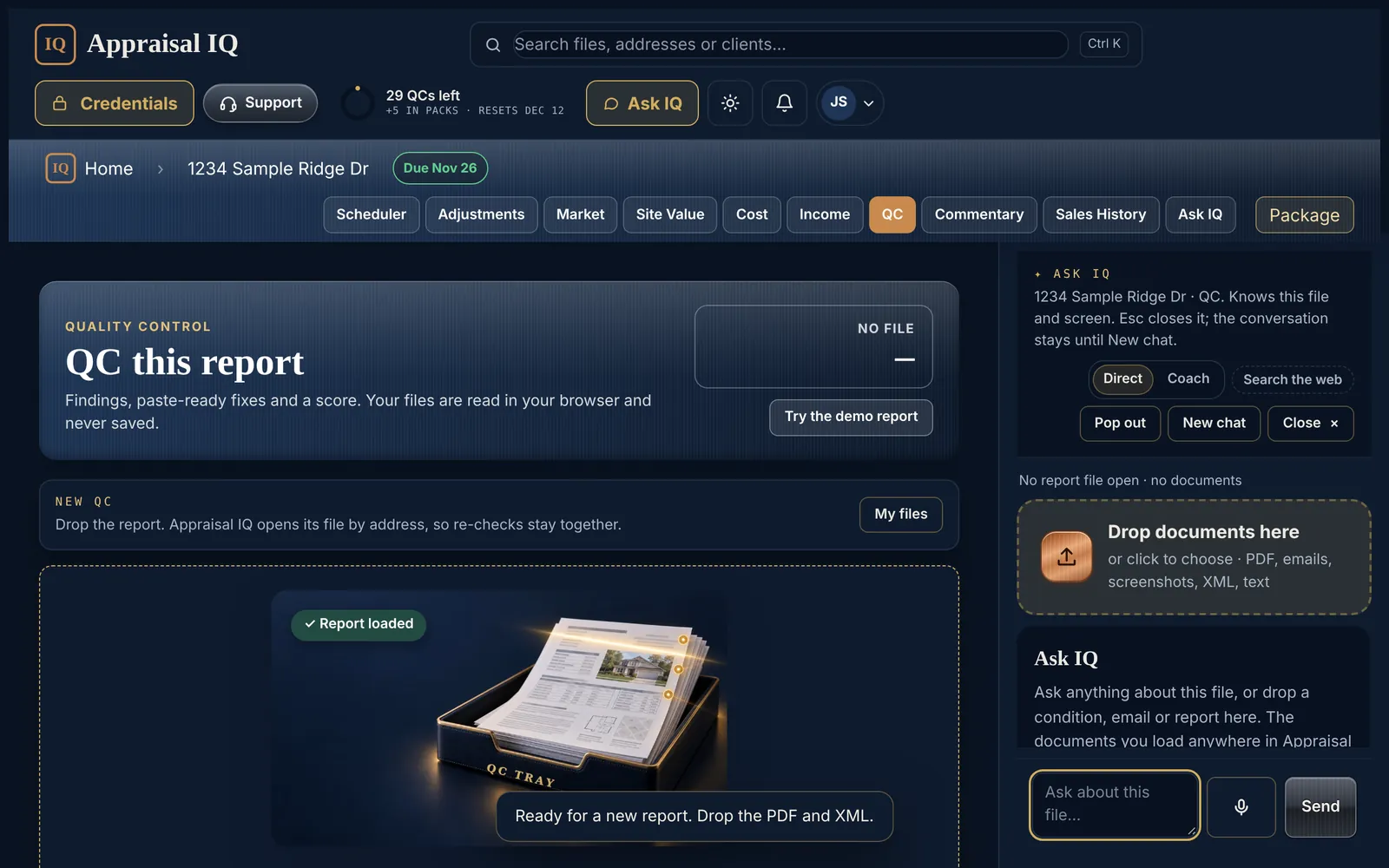
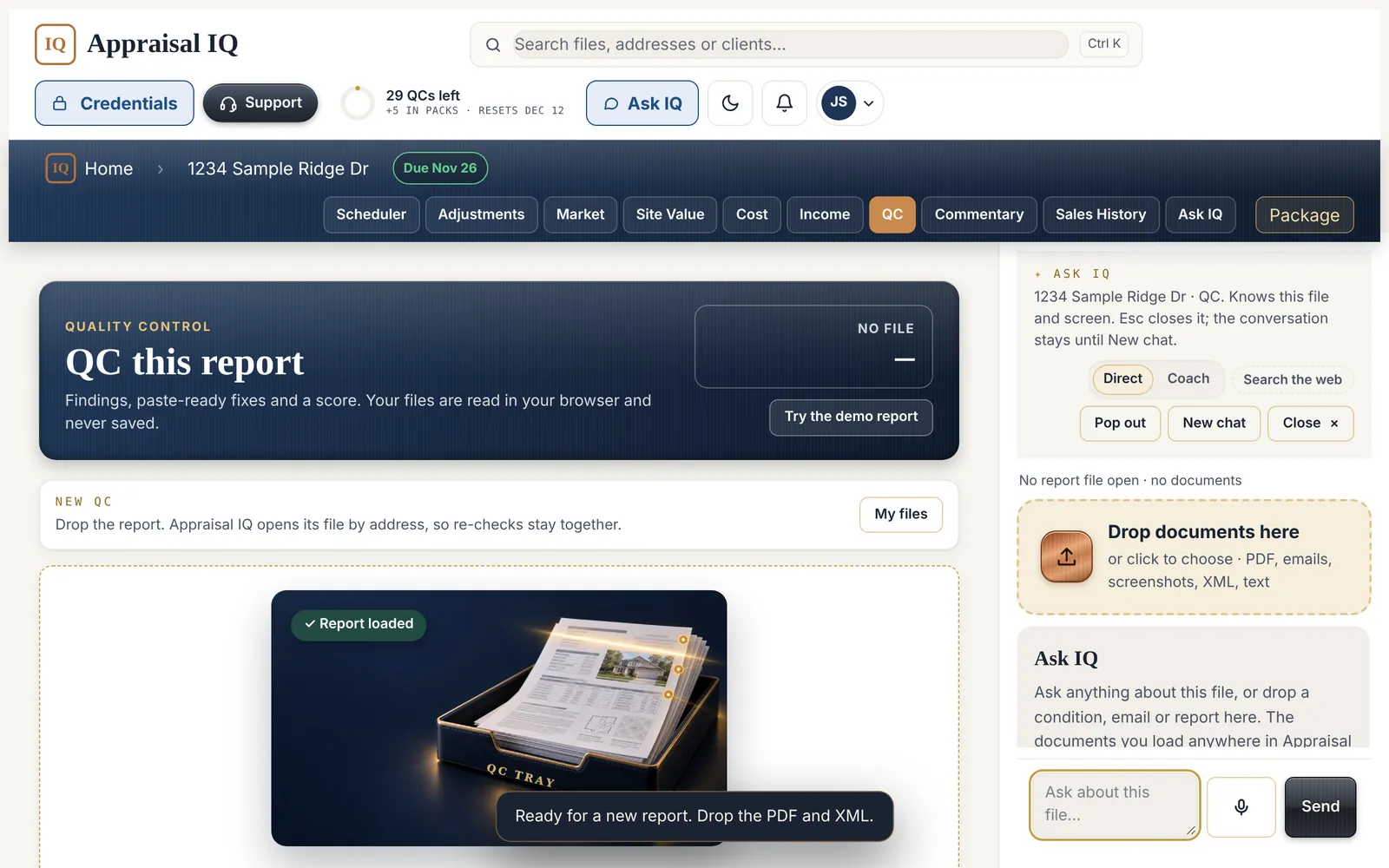
Drop the PDF and the XML
The XML lets QC read every field exactly; the PDF gives it the pages, photos and comments. Add the engagement letter and purchase contract to check that the report matches the order and the contract. Opened from a file, the file's documents load for you.
- Loan program and report format auto-detected
- Paste or say any lender overlays
- Asks before it uses a QC, with how many you have left
See the score and where the problems are
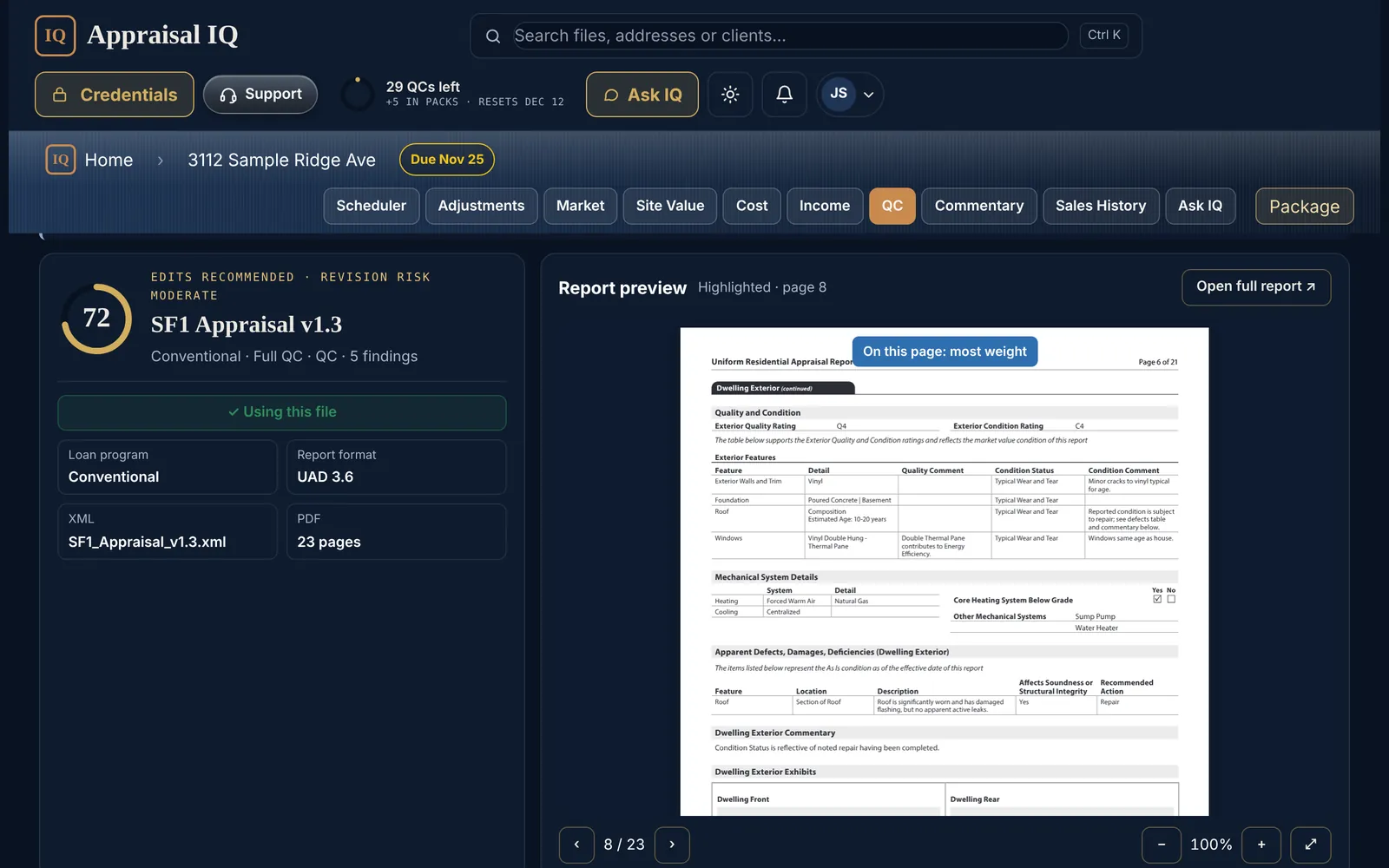
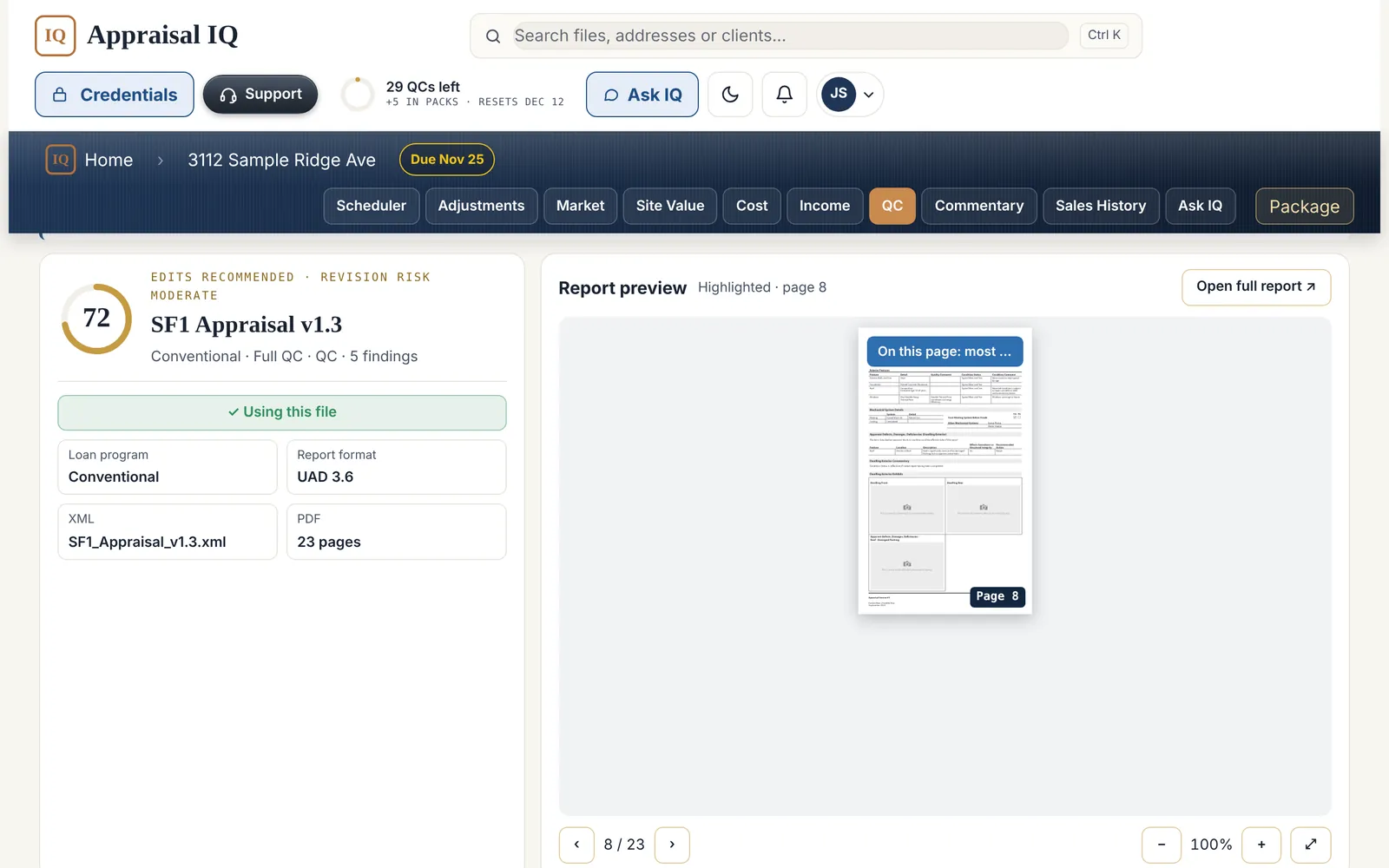
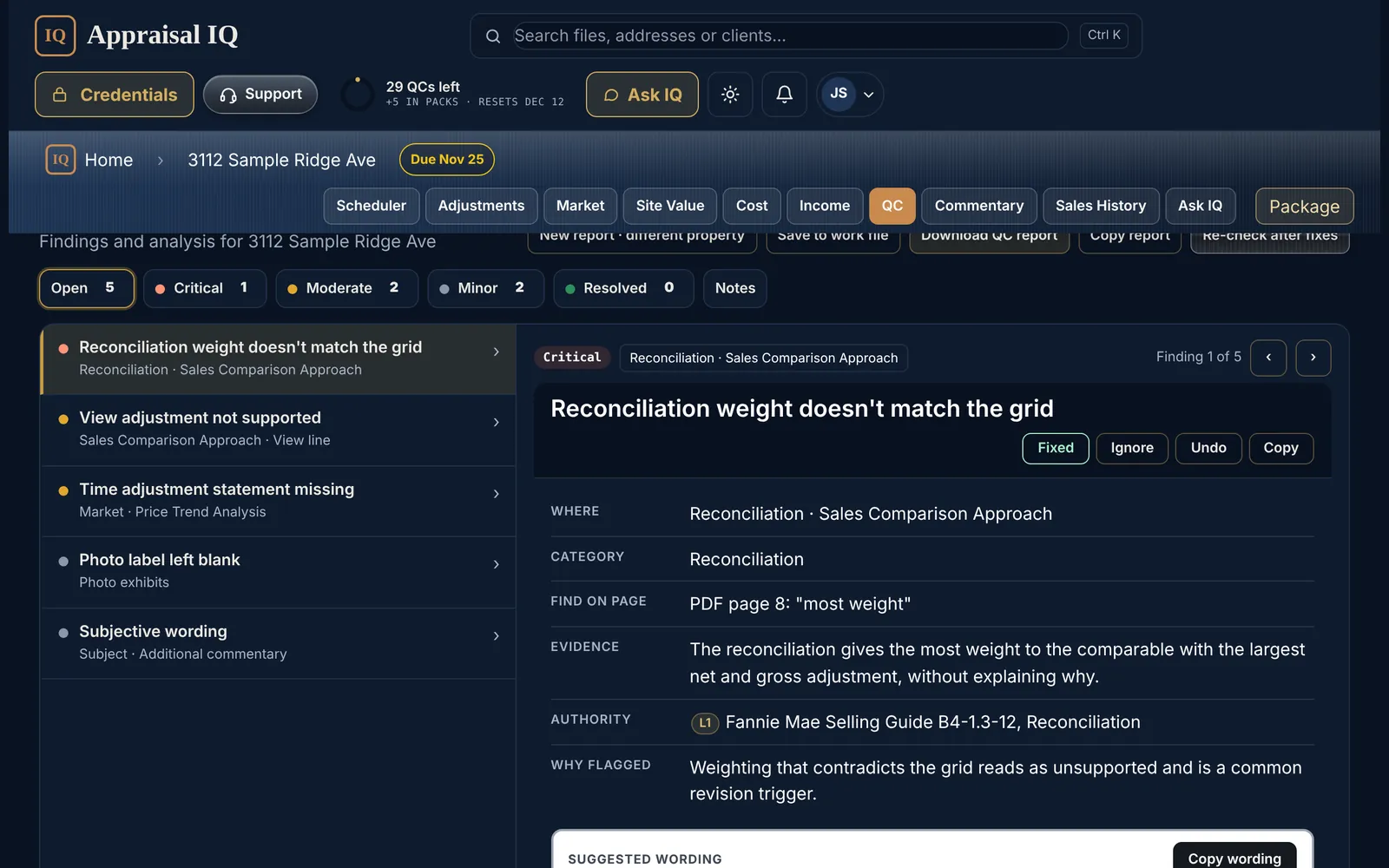
A full QC takes a few minutes. The score rises as you fix items. Click a finding and the report opens to the page with the exact spot highlighted.
- Findings grouped critical, moderate and minor
- Categories like Reconciliation, Adjustments and Market conditions
- The full run is kept with the file on your computer
Read the rule, copy the fix
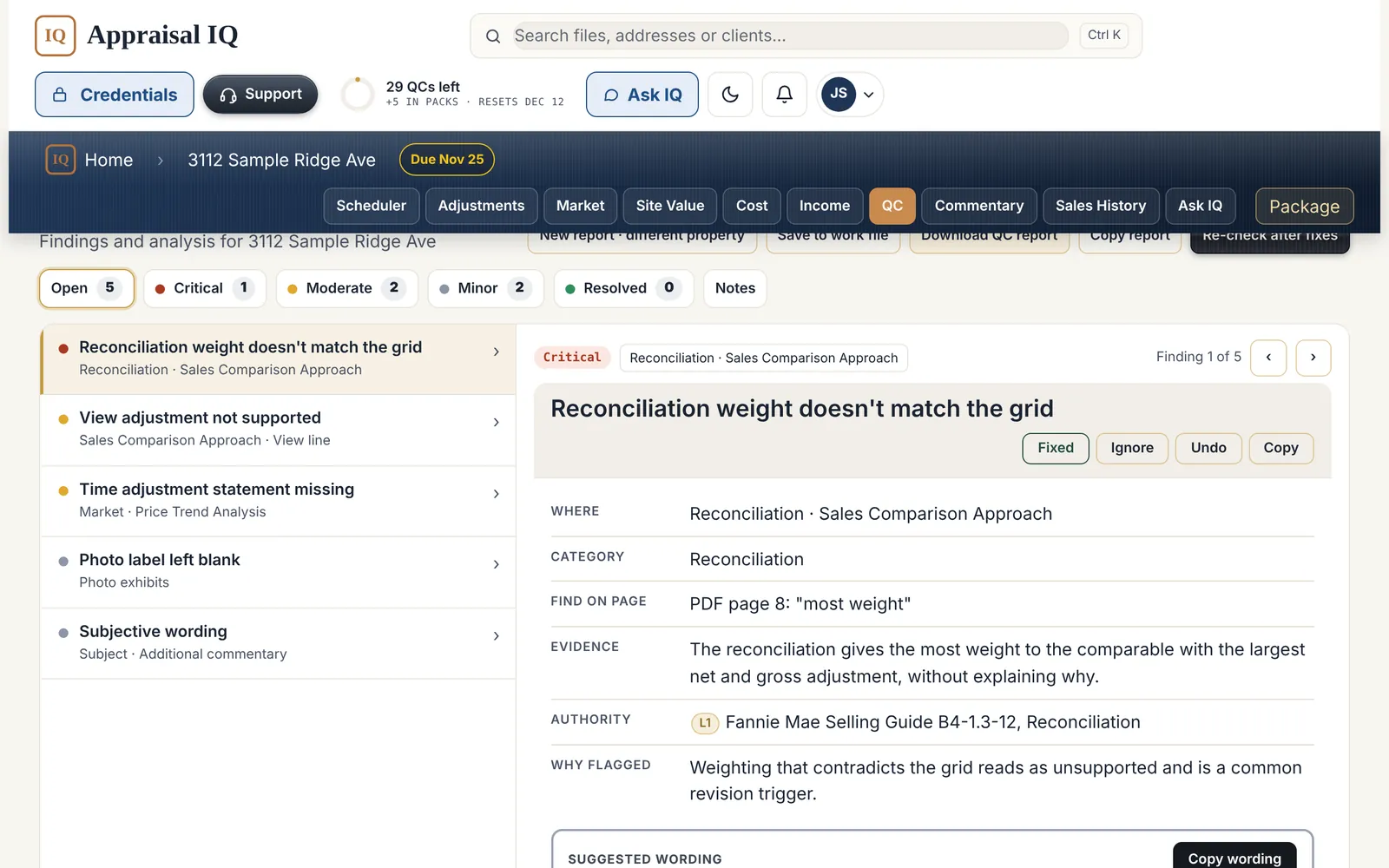
Every finding shows where it is, the evidence, the authority with its source, why it's flagged and the fix, with suggested wording you can copy as plain text. Mark it Fixed or Ignore, or ask Ask Osova to explain it.
- Fixed and Ignore stay that way on every re-check
- Wording printed on the Fannie Mae form itself is never a finding
- Download the QC report or save it to the work file
What an underwriter would ask, before they ask it.
It finds what a reviewer would question. The report is yours.
QC never tells you a value, which comparables to use or what adjustments to make. Scores and findings are decision-support indicators, not guarantees, and fair housing is built in: QC flags biased words and never considers protected characteristics.
Straight answers.
What does QC check?
Every page and addendum and every XML field, against USPAP, the Fannie Mae Selling Guide, FHA, VA, ANSI Z765 and UAD rules, plus rules learned from real revision requests. It also checks the report against the engagement letter and contract when you add them.
How long does a QC take?
A full QC takes a few minutes. You can press Stop, and leaving QC never loses a finished run.
How many QCs do I get?
A set number each month with your license, plus one included re-check per file. Packs of 5 never expire. A QC that fails to finish gives the QC back.
Does it tell me what value to use?
No. QC never tells you a value, which comparables to use or what adjustments to make.
Is my report stored?
No. Your reports and work stay on your computer. We keep only your tracker and QC history.
One subscription. Your whole desk.
Full report QC is one of 16 tools in every Osova license.
Your next report, checked before you sign.
New plans and pricing arrive January 1. Request early access and we'll set you up. Your reports and work stay on your computer.