

Send reports that come back approved, not revised.
Osova checks your report before it goes out, against USPAP, Fannie Mae, FHA, VA and UAD 3.6. Every finding comes with the guideline behind it and the fix, written.
New plans January 1. Your reports and work stay on your computer.

12 Oak St, Henderson, NV
1004 · UAD 3.6 · Purchase · Effective 10/14/2026 · oak-st.pdf · oak-st.xml
| # | Severity | Finding · Section | Source |
|---|
Six findings, each with the guideline and the fix. Tap Re-check #1 to watch the score climb.
Every revision request costs you three times.
Most revisions are catchable before you sign: a field that doesn't match the XML, a comment that contradicts the grid, a UAD 3.6 entry in the wrong row. Osova catches them first.
Unpaid time
Reopening a file you thought was done, digging up the guideline, rewriting the comment, resubmitting. Unpaid time on a fee you already earned.
A delayed check
The loan can't close until the report clears. A stip that bounces back twice pushes your check and frustrates everyone waiting on it.
The next order
Lenders and AMCs track who sends clean work. Repeat revisions cost you the next order, quietly.
Three kinds of appraisers get the most out of it.

Commercial appraisers, this is built for you too.
Coming soon: switch to Commercial and Osova reviews 80 to 300 page narrative reports against the rules your bank clients review you on, then helps you answer the review comments.
Tell me when it opens12 CFR 34, 323, 225 and 722, the Interagency Guidelines and evaluations guidance.
SOP 50 10 8.1, 7 CFR 5001 and the OneRD lender guide.
Fannie Mae Form 4827 and Guide 202, Freddie Mac Chapter 60.
Drop the reviewer's comments and get a professional, cited response to each.
A second reviewer that shows its work.
It never sleeps and never guesses. Every answer comes from the guideline itself, with the passage shown.
A quality score, a submit / edits / hold call, and every finding ranked critical, moderate or minor.
Answers come from the Selling Guide, HUD 4000.1, the UAD 3.6 appendices and USPAP, with the passage shown.
One full review of every page and addendum while you finish the photos. The re-check after your fixes is included.
Every finding comes with the corrected entry or paste-ready wording in your voice.
From draft to a clean submission, step by step.
What you'll actually do in Osova on conventional, FHA or VA work. Open it in your browser, sign in, and go. Nothing to install.
Drop the report
Drop the PDF and UAD XML into the QC tray. Add the engagement letter, contract or a prior report for an even sharper check.
Read the findings
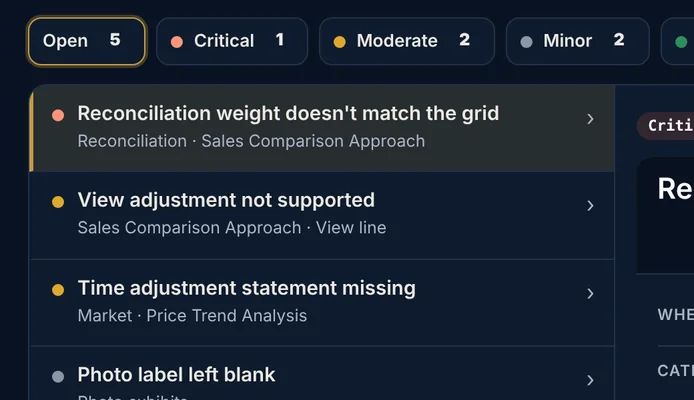
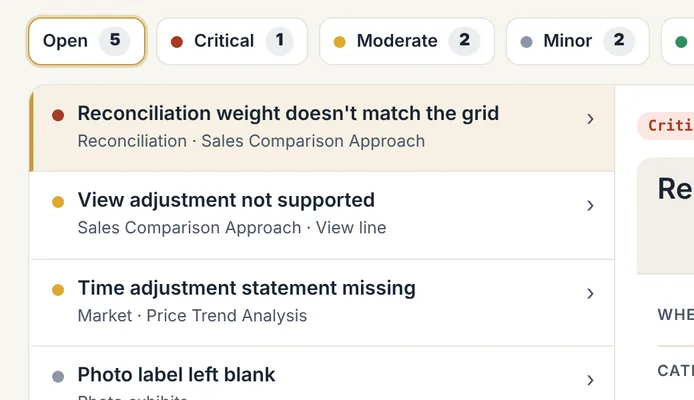
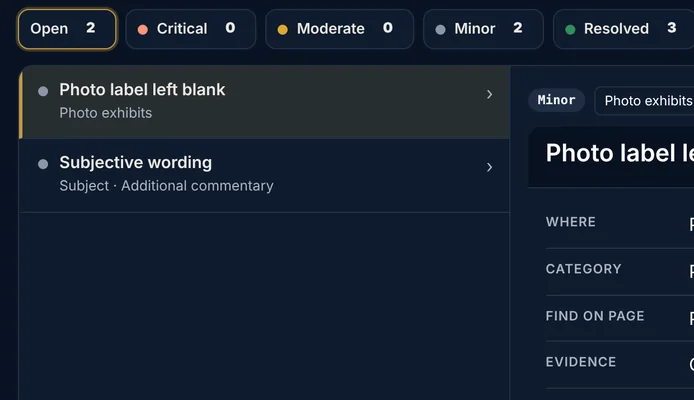
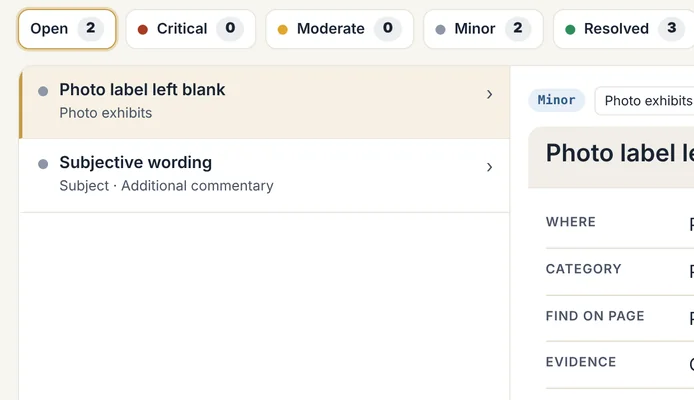
Every finding is ranked critical, moderate or minor, shows where it is and the evidence, and names the guideline behind it. Copy the fix as plain text.
Fix and re-check
Mark items Fixed or Ignore, drop the revised report, and watch the score climb. The re-check on every report is included.
Support your adjustments
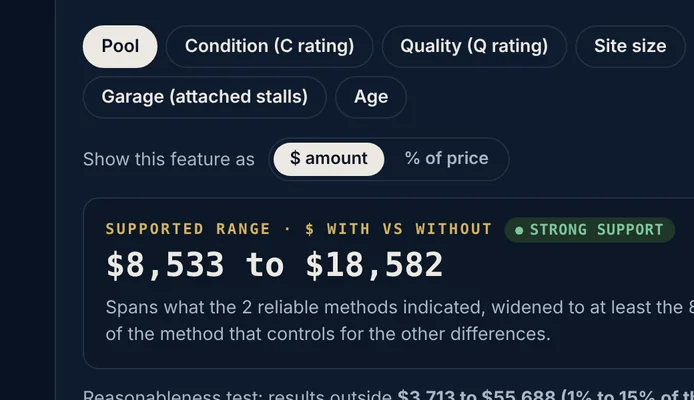
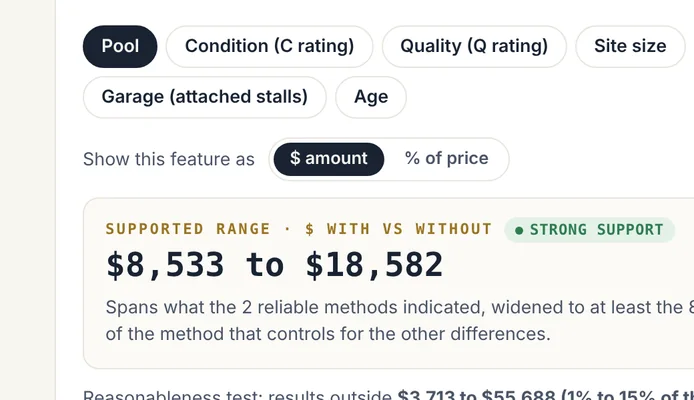
Upload your MLS export to Adjustment analysis for supported ranges by method. When the market can't isolate a feature, the depreciated cost calculators give you a cost indication.
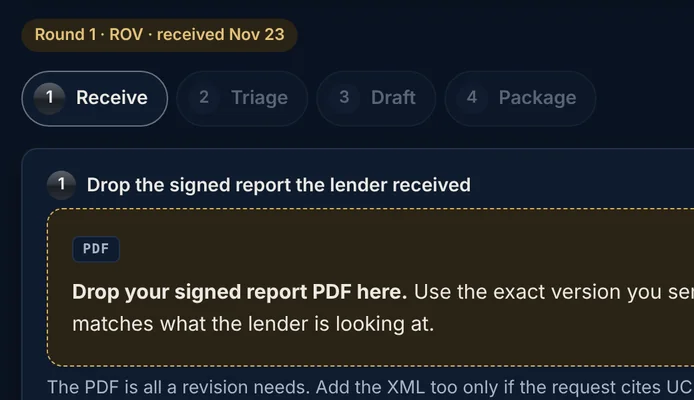
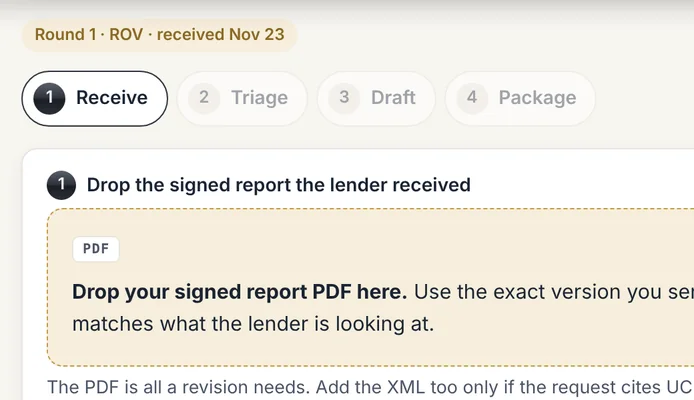
Answer the reviewer
Drop an ROV, revision request or condition on the report's file. It's checked against your report, then the guidelines, and answered the way you direct. Or ask Ask Osova and copy the paste-ready reply.
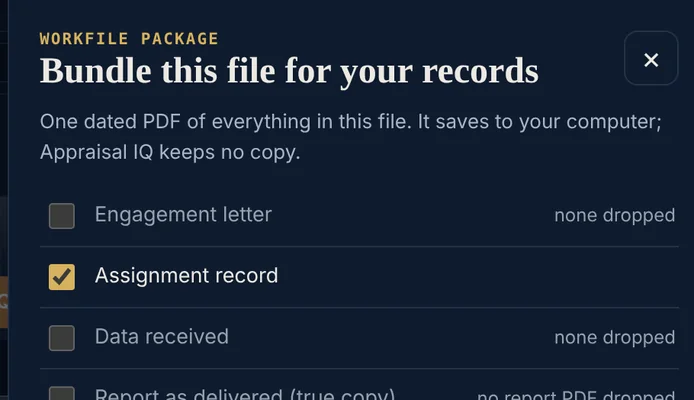
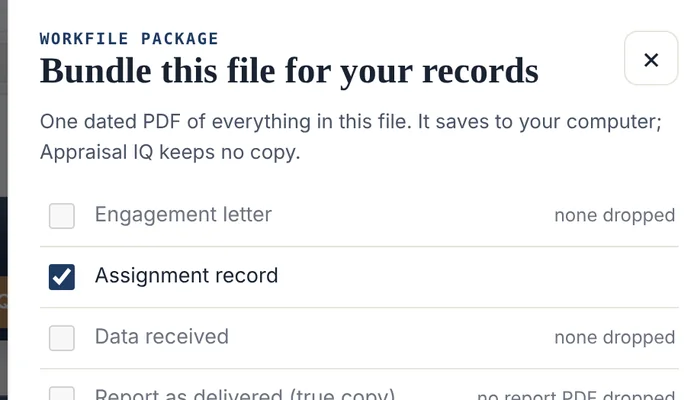
Keep your work file
Save an AO-41 work file record of anything you rely on and export the adjustment work file PDF. Your reports and work stay on your computer.
One subscription. Your whole desk.
Most QC tools stop at a list of problems. Osova hands you the fix, the source and the words, and runs every approach, your schedule and your office from the same file.
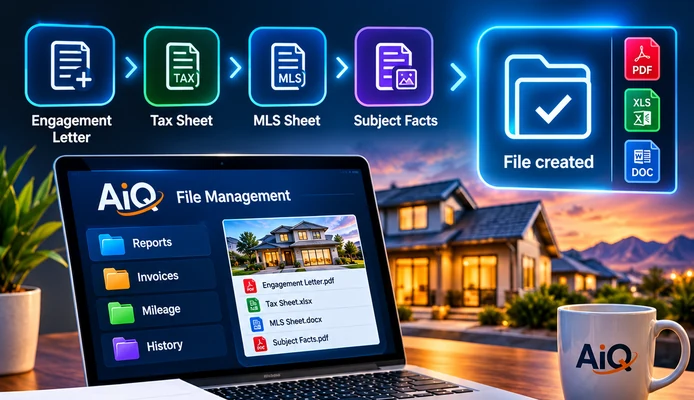
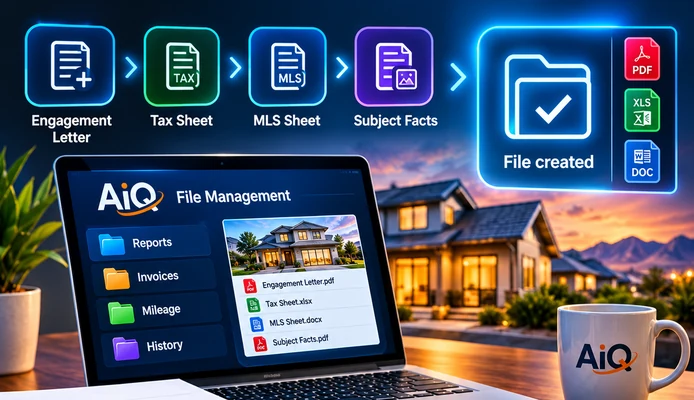
Automatic file creation
Drop the engagement letter, tax sheet and MLS. Osova creates the file and its tile, reads the client, fees, due date, loan type and form, fills the subject facts and pulls the subject photo. Every document flows to every engine that uses it.
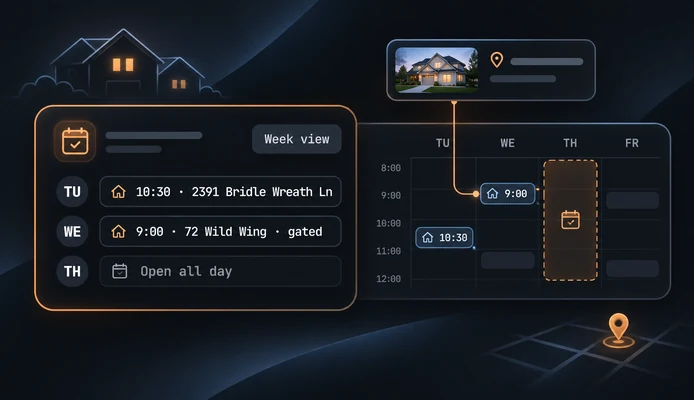
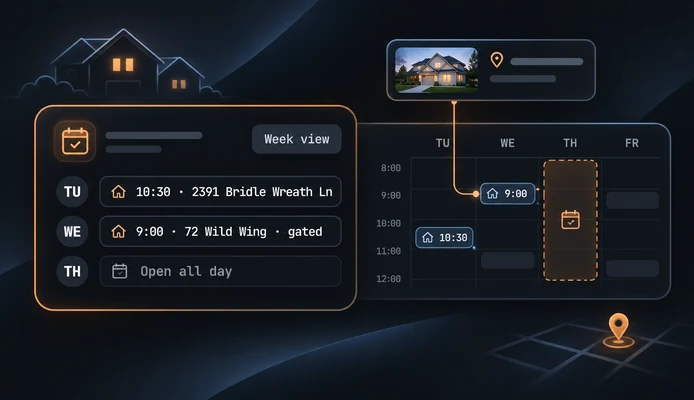
Scheduler and week calendar
Contacts, access notes and the agent come from the engagement letter. Book it, add it to your calendar in one click, and see every inspection and open slot for the week.
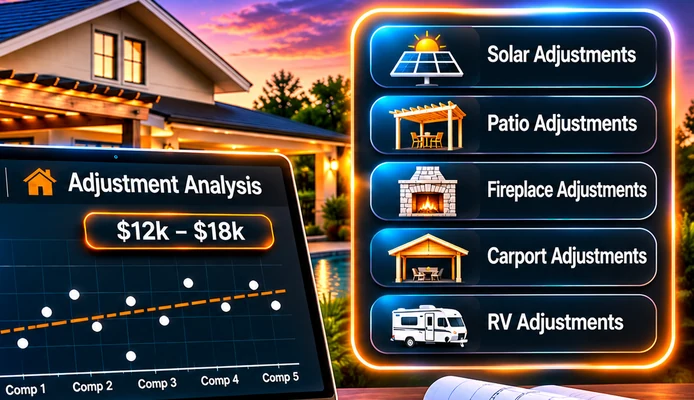
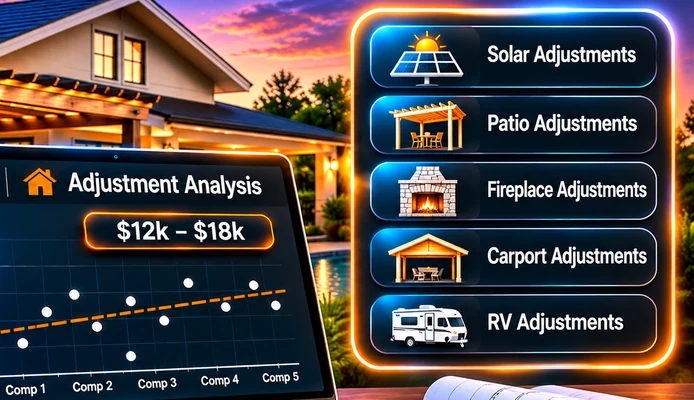
Adjustment analysis
Supported ranges from your own MLS export, plus depreciated cost calculators for solar, patios, fireplaces, carports and RV, and garages, with a work file PDF. Exports for UAD 2.6 or 3.6.
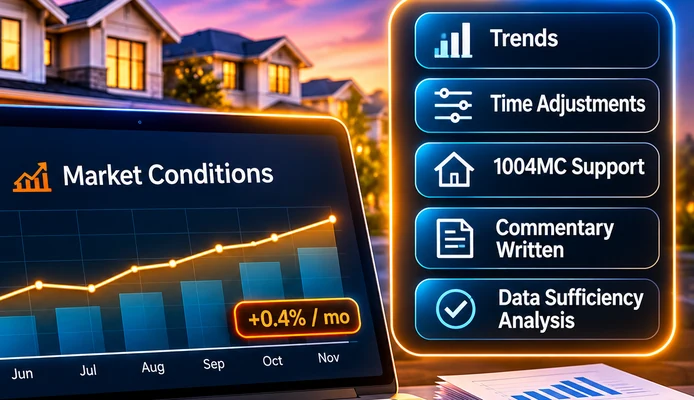
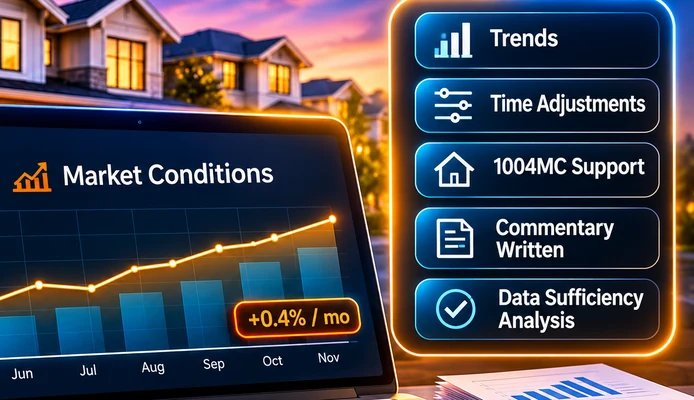
Market Conditions
Trends, time adjustments and 1004MC support from your MLS export, with the commentary written. Tells you plainly when there isn't enough data.
Site Value report
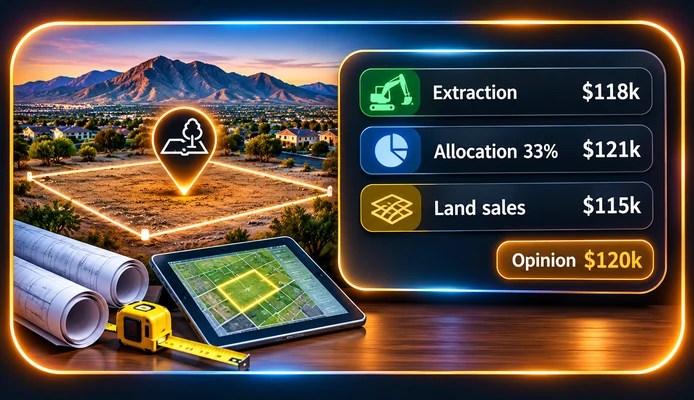
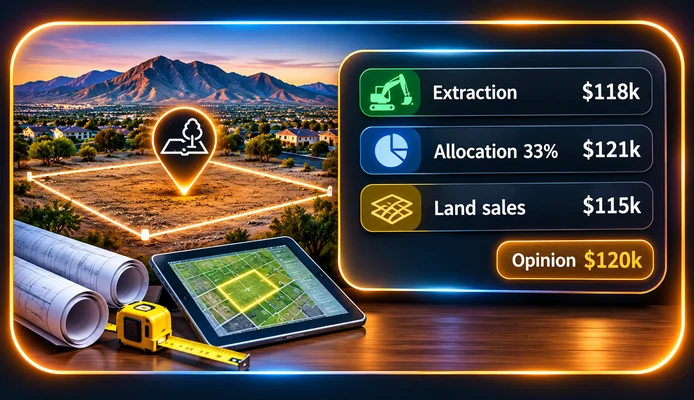
Extraction, allocation, land sales and your county’s market studies side by side, with the sources and a report PDF for your work file.
Cost Approach
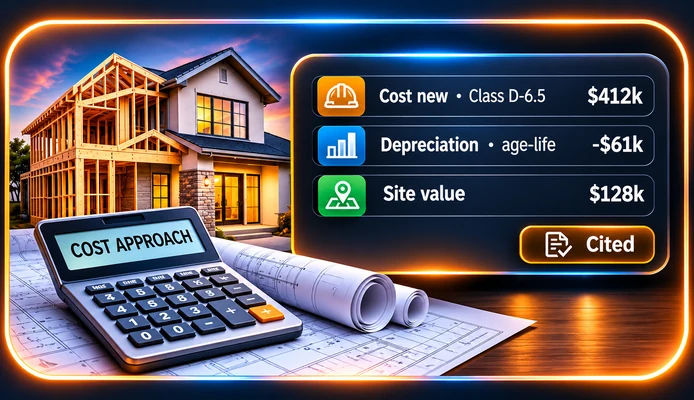
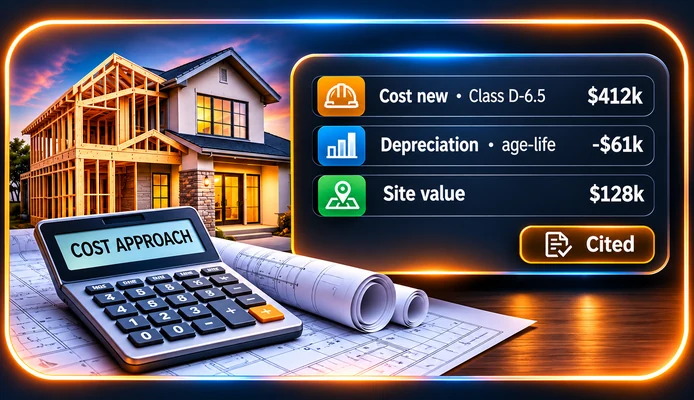
Subject cost new with regional factors, depreciation and site value carried in, every figure editable and cited, with a work file PDF.
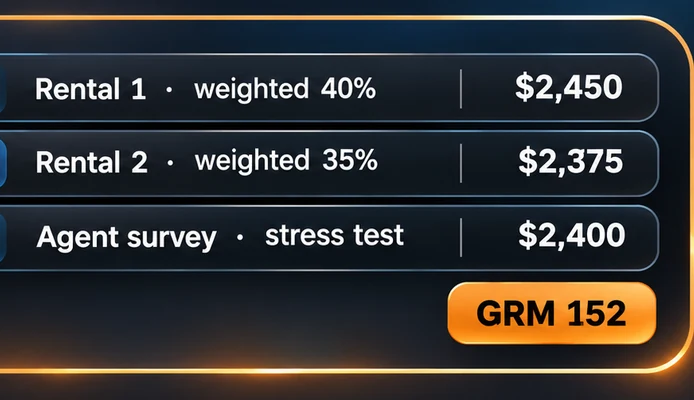
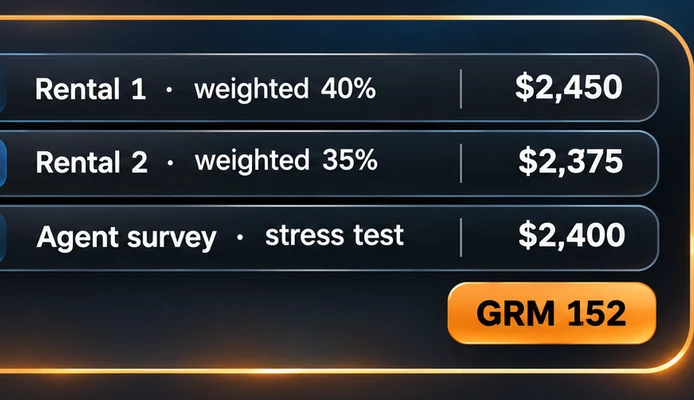
Rentals and Income Approach
Market rent from your leased rentals, weighted like the sales grid, an agent survey as a stress test and the GRM, for UAD 3.6 rentals or the full income approach.
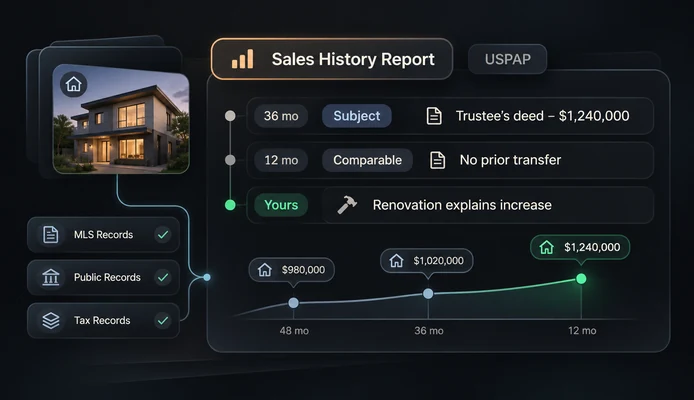
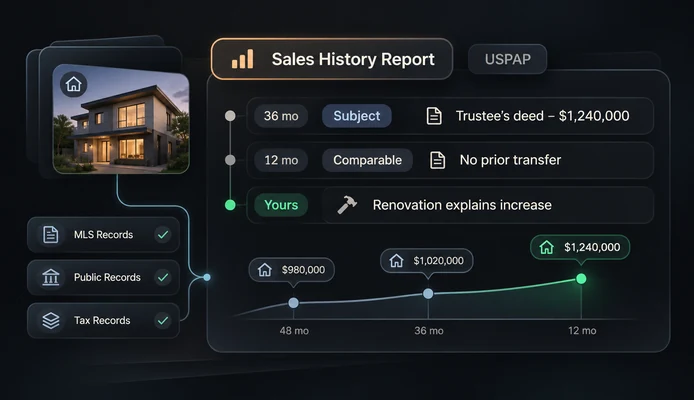
Sales History report
The prior sale and transfer history for the subject and every comparable, read from your MLS, MLS history and tax records. Suggested analysis comes only from what the records say; you accept, edit or write your own.
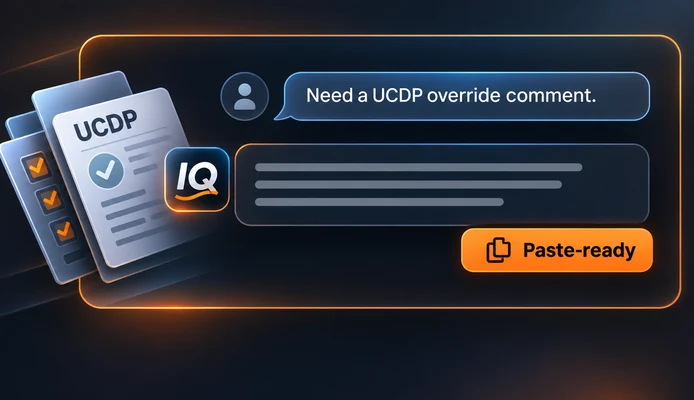
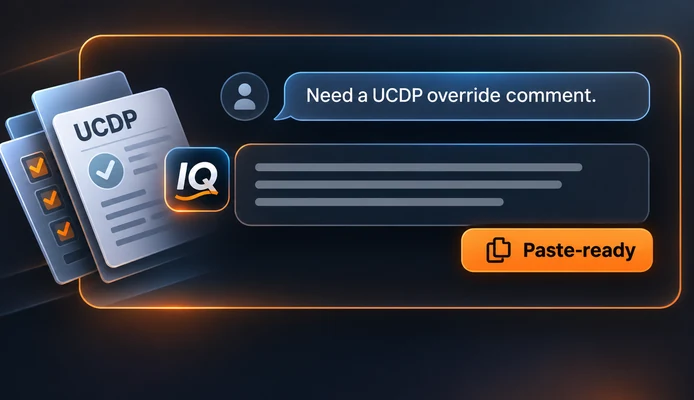
Ask Osova and Ready Commentary
Conditions, revision replies, UCDP messages and commentary, finished and paste-ready. Answers cite the guideline and your file’s documents.
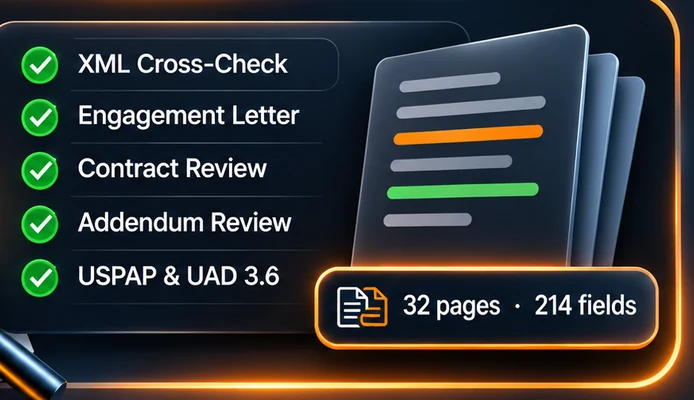
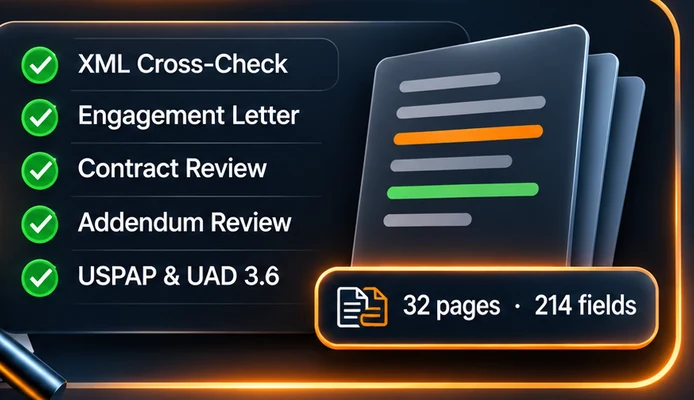
Full report QC with written fixes
Every page and addendum, cross-checked against the XML, engagement letter and contract.
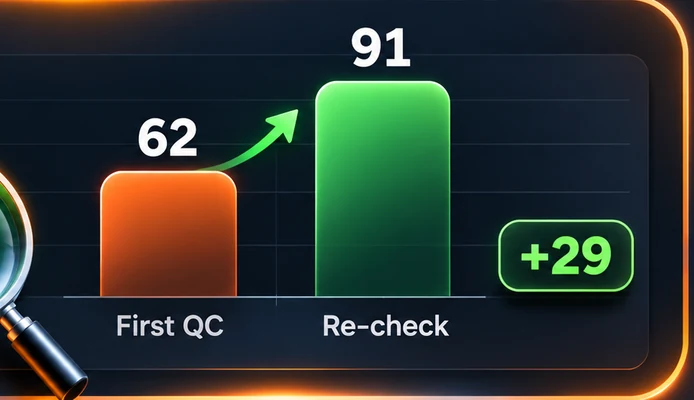
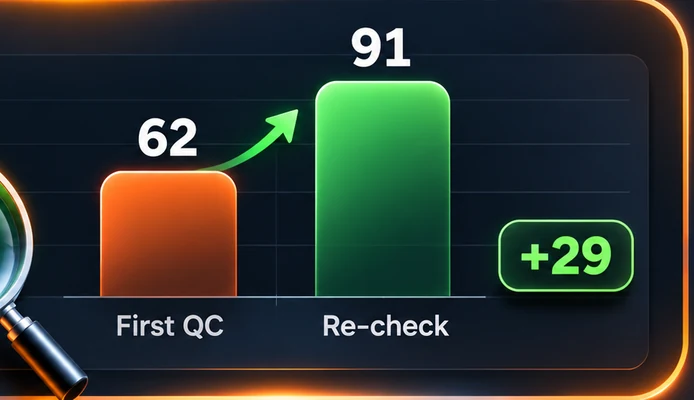
Included re-check on every report
Drop the revised report and see what's fixed and what's still open, with the score change.
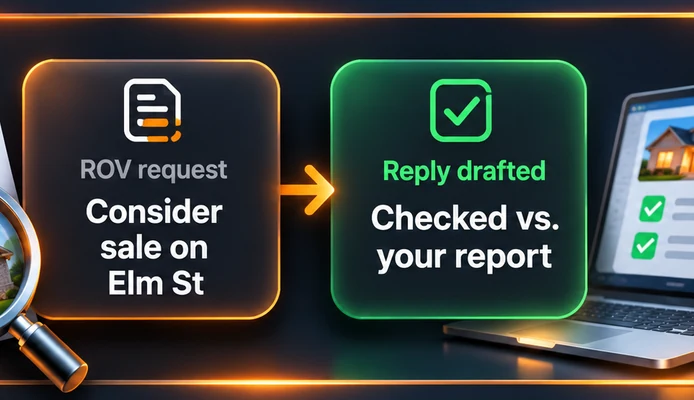
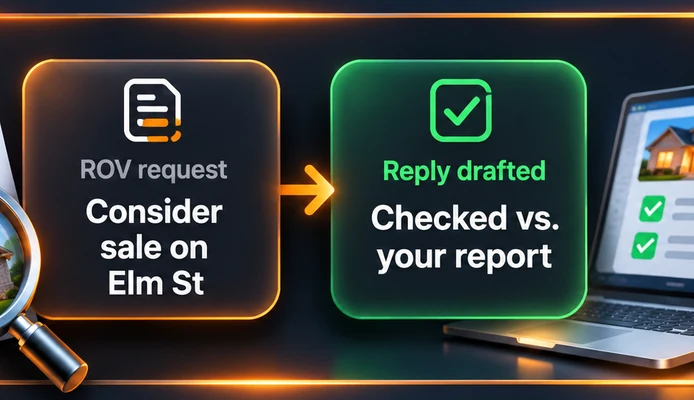
ROVs and revision requests
Drop the request on the report's file. It's checked against your report first, then the guidelines, then answered the way you direct. Doesn't use a QC.
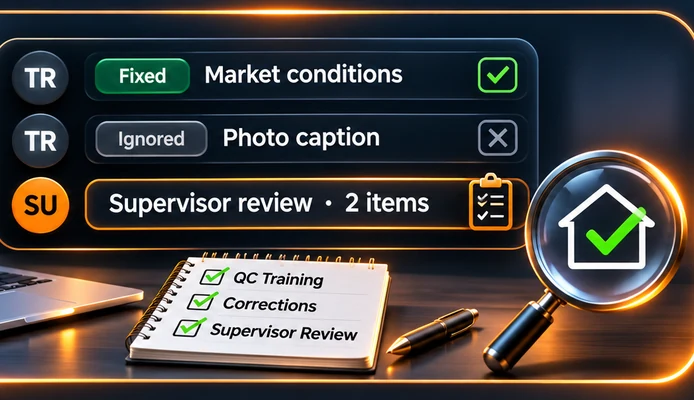
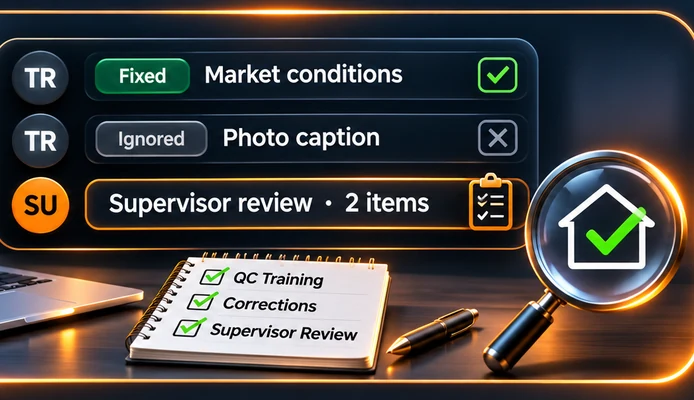
Trainee QC and a supervisor view
QCs that teach the why, rescoring as trainees fix, and a supervisor who sees every fix and every ignore.
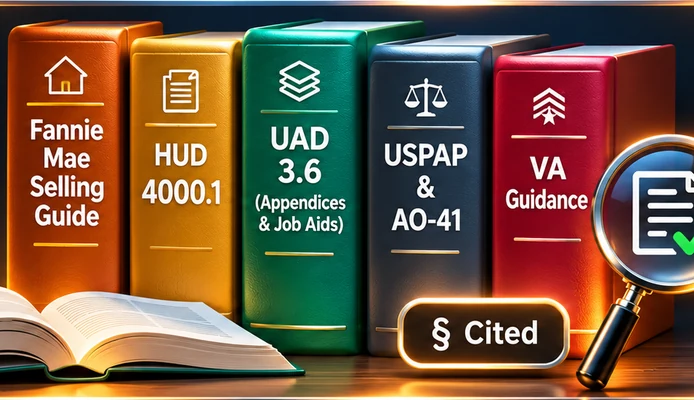
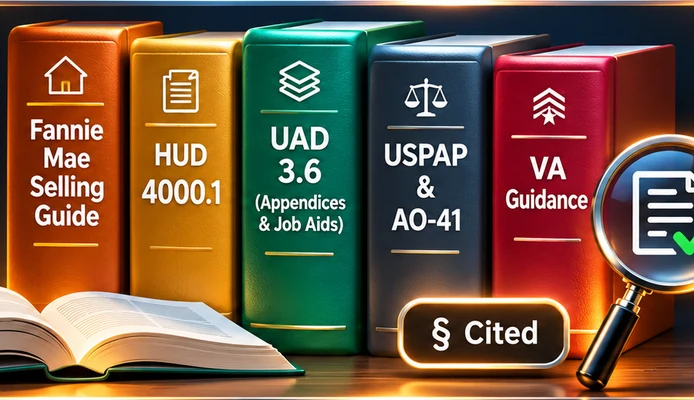
A reference library that cites its source
Fannie Mae Selling Guide, HUD 4000.1, UAD 3.6 appendices and job aids, USPAP and AO-41, VA guidance, plus a UAD 3.6 field lookup.
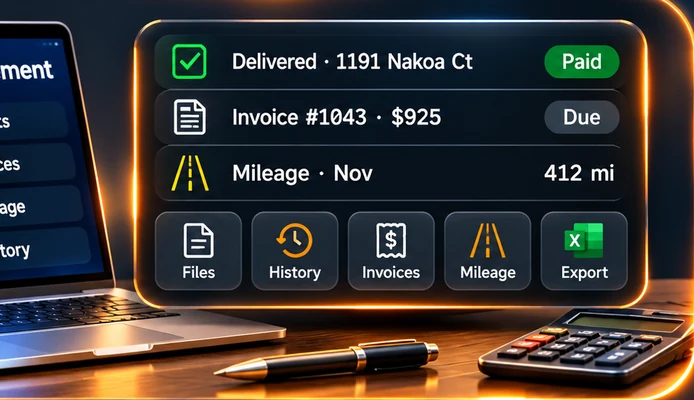
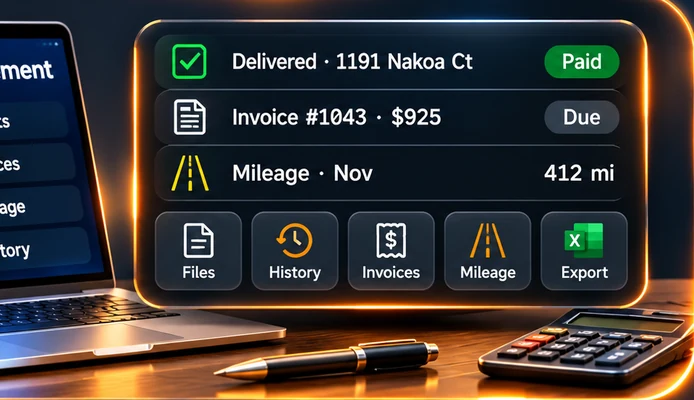
Files, history, invoices and mileage
Every file tracked from order to delivery with its history and activity, fees and collected dates, invoices and an outstanding-fees view, plus a yearly mileage log. Export it all to Excel or Google Sheets.
New plans arrive January 1.
Every license opens every engine. Pricing for 2027 is announced January 1. Until then, request access and we'll set you up and walk you through your first report.
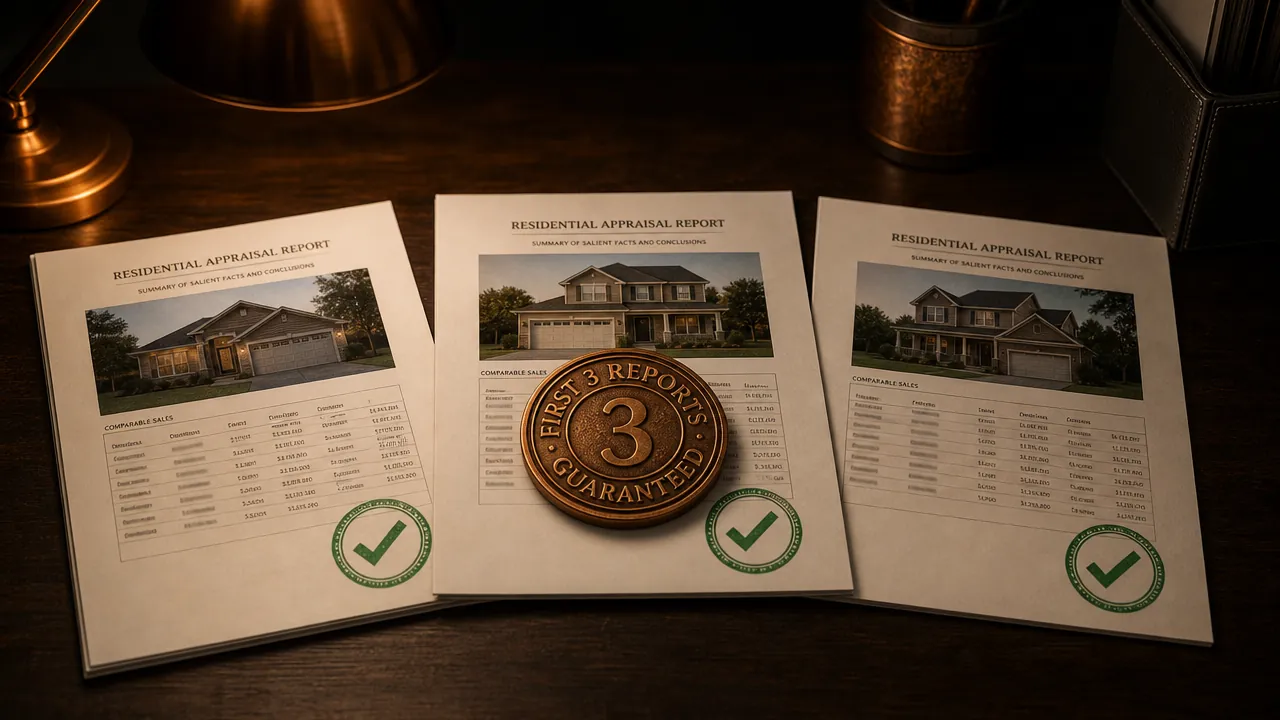
The First 3 Reports Guarantee
Run your first 3 reports through Osova. If it doesn't catch at least one issue worth fixing, your first paid month is free. Email us and we'll refund it. No forms, no argument.
Your report. Your judgment. Your workfile.
Osova is decision support. It flags, explains and writes. It never picks comparables, sets adjustments or touches your value conclusion.
Reports are read in your browser, checked, then discarded. We keep only your tracker and QC history, plus anything you choose to share with your team or put in your vault.
Save a work file record of any output you rely on, in one click.
Unsigned certifications are a reminder, never a finding.
Thin 1004MC data isn't treated as a missed time adjustment. Built by an appraiser who's been on both sides of the review.
What changes when every report gets a second look.
“I run every report through Osova before it goes out. It catches the things that turn into revision requests: inconsistent data, missing commentary, UAD issues. It also tells me exactly where the problem is and gives me wording I can use.”
“Ask Osova is the part I didn’t know I needed. When a finding doesn’t sit right, I can ask about it in plain language, get the reasoning and the guideline behind it, and decide for myself.”
“As a trainee, I used to save up questions for my supervisor and hope I remembered them. Now every report gets a QC first. I see what I missed, why it matters and how to fix it, and my supervisor sees what I fixed. And the automated experience log is a great peace of mind.”
“Between conventional, FHA and VA work, I’m constantly checking USPAP, Fannie Mae, FHA and the new UAD 3.6 requirements. Osova puts it all in one place and answers my question with the source.”
Straight answers.
Does it replace my judgment?
No. It's decision support, like a sharp reviewer reading over your shoulder. It never develops a value opinion or selects comparables. Adjustment analysis shows supported ranges and the method behind each; the adjustment you use, and every other decision, stays yours.
Is my report stored anywhere?
Your reports and work stay on your computer. Your report is read in your browser, and its text is sent encrypted to be checked, then discarded; Osova never keeps your PDF, your XML or the full results. We keep only your file's tracker card (address, dates, status and fees, for one year) and its QC history (scores and finding titles, for 30 days), plus anything you choose to keep with us: files you share with your team (deleted when the file is delivered or after 30 days) and documents you put in your Credentials vault (encrypted).
When is pricing available?
New plans and pricing arrive January 1, 2027. Until then, request access and we'll set you up and walk you through your first report.
Which programs and forms does it cover?
Conventional, FHA and VA residential work, including UAD 3.6 and the new URAR, and the legacy UAD 2.6 forms (1004, 1073, 1025, 2055 and the rest), with 2.6 Forms filling form sections from your files. Commercial narrative reports for bank, SBA, USDA and agency multifamily lending are coming soon.
Does it work with my appraisal software?
Yes. Export the PDF and the UAD XML the way you already do for delivery and drop them in. It runs in your browser, so there's nothing to install.
What's in Adjustment analysis?
Included with every license. Upload your MLS export and get supported adjustment ranges with the method and strength behind each, paired sales, and paste-ready paragraphs for UAD 2.6 or UAD 3.6. When the market can't isolate a feature, depreciated cost calculators for owned solar, patios and decks, fireplaces, carports and RV parking, and detached garages and shops give you a cost indication, with a work file PDF.
Do ROVs and revision requests use a QC?
No. Drop the request on the report's file and it's checked against your report first, then the guidelines, then answered the way you direct, without using one of your monthly QCs. Reviewer questions, the master addendum and Ask Osova questions don't use a QC either. Normal use is unlimited; a fair-use limit only guards against abuse.
How do trainee seats work?
Supervisors add trainee seats to their license. Each seat includes 10 trainee QCs a month that teach the rule behind every finding, plus an experience log, and you see every fix, ignore and score. Add seats at checkout, or any time later in the app under Account.
What happens if a payment doesn't go through?
You get an email right away with a Pay now button, and the app pauses until it's paid. Everything comes back the moment it is. Your data stays available to export. If an account stays unpaid for 90 days, its data is deleted, with an email reminder every 15 days before that.
Can I work on a file from another computer?
Yes. Your account keeps your stats, your file list and each file's tracker card, so your files show up on any computer you sign in on. A file's documents and engine work stay on the computer you used, unless you share the file with your team: then they're kept in private storage until the file is delivered or for 30 days, so you or a teammate can pick up on another computer. Otherwise bring the PDF and XML with you and drop them in; Osova recognizes the report and picks the file back up.
How do I cancel?
Any time, from Account in the app.
I run a firm with several appraisers and trainees.
Supervisors add trainee seats from their account today. For several appraisers on one bill, email support@osova.ai about a firm plan.
Run it through Osova before it goes out.
New plans and pricing arrive January 1. Request early access and we'll set you up. And if your first 3 reports come back with nothing worth fixing, your first month is on us.