

Fix it, re-check it, watch the score climb.
Mark each finding Fixed or Ignore, make the changes in your form software, and drop the revised PDF and XML. The re-check compares it with the last round and shows what's fixed, what's still open and the new score. One re-check per file is included.
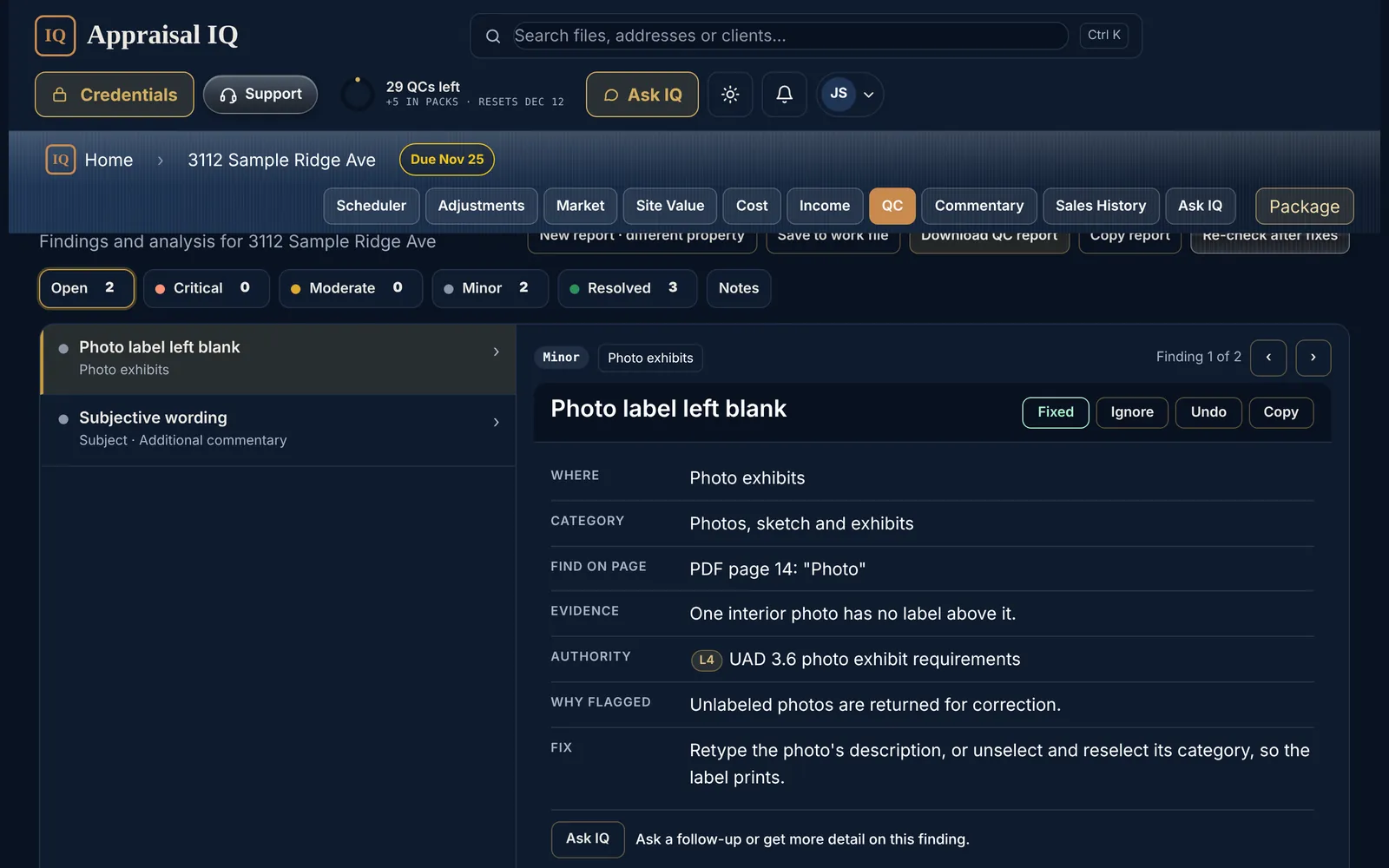
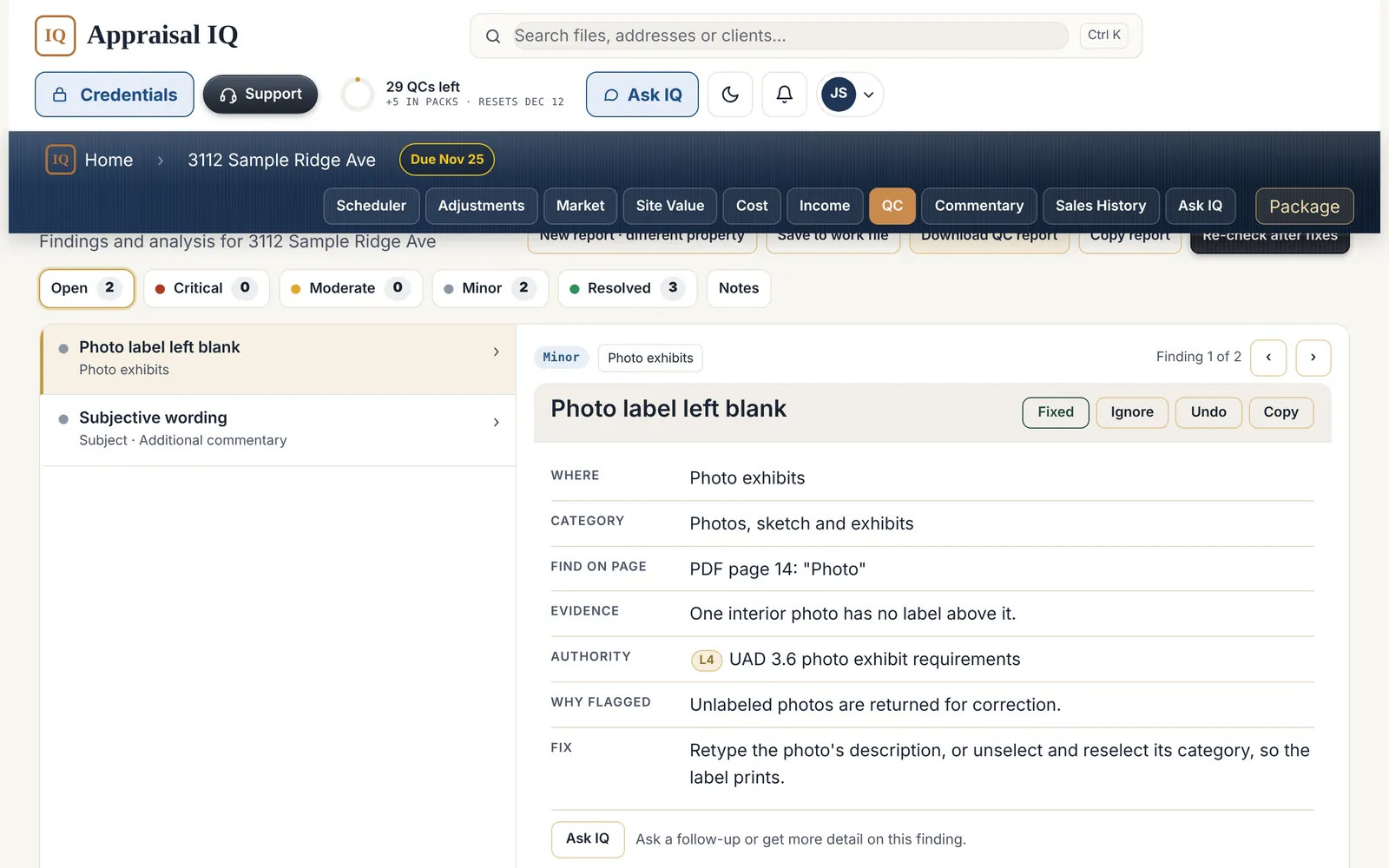
Step 3, screen by screen.
What you do, in order, and what Osova does for you at each point.
Mark what you've handled
Fixed, Ignore and Undo sit on every finding. Ignore is for something that doesn't apply. Your marks are saved with the file and stay that way on every re-check, so the score never drops for something you already handled.
- Open, Critical, Moderate, Minor and Resolved counts at the top
- Notes on any finding
- Copy the fix as plain text into your form software
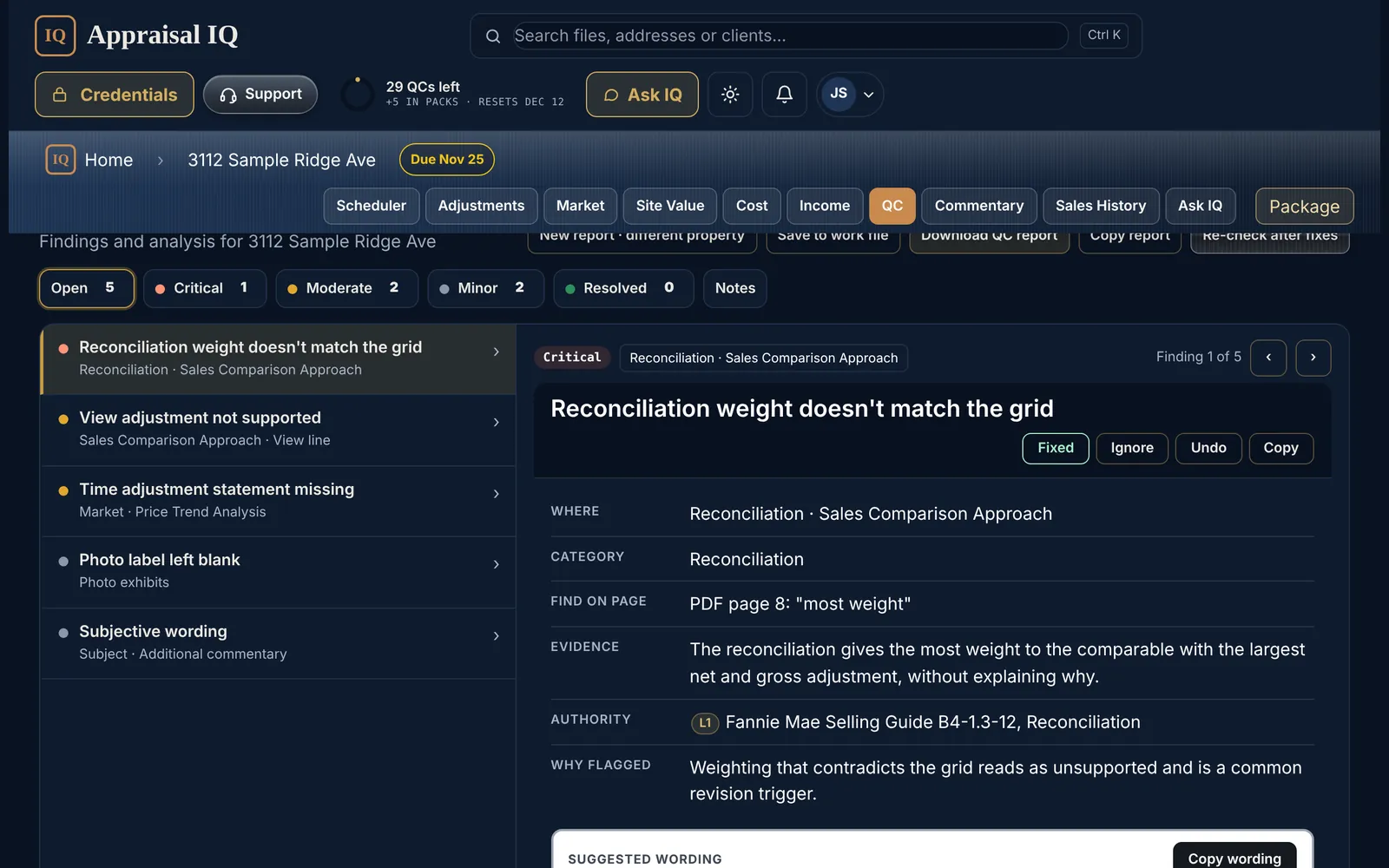
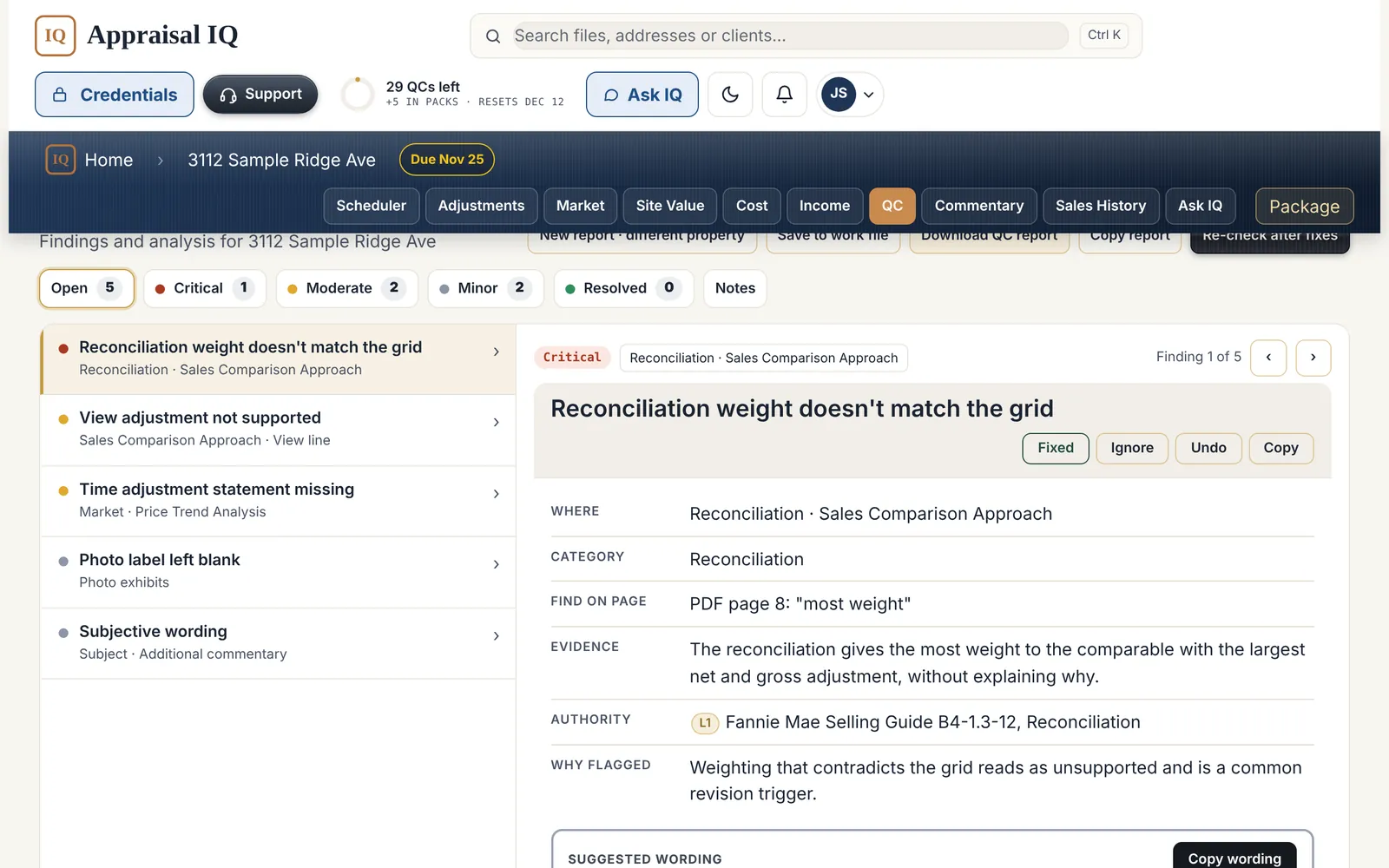
Export a fresh PDF and XML
Make the changes in your form software and export a new PDF and XML together. Press Re-check after fixes and drop them in the tray; the engagement letter and contract are still there from the first run.
- Re-check always runs on the same file
- The included re-check is marked before it runs
- Further re-checks say "Re-check #2 uses 1 QC"
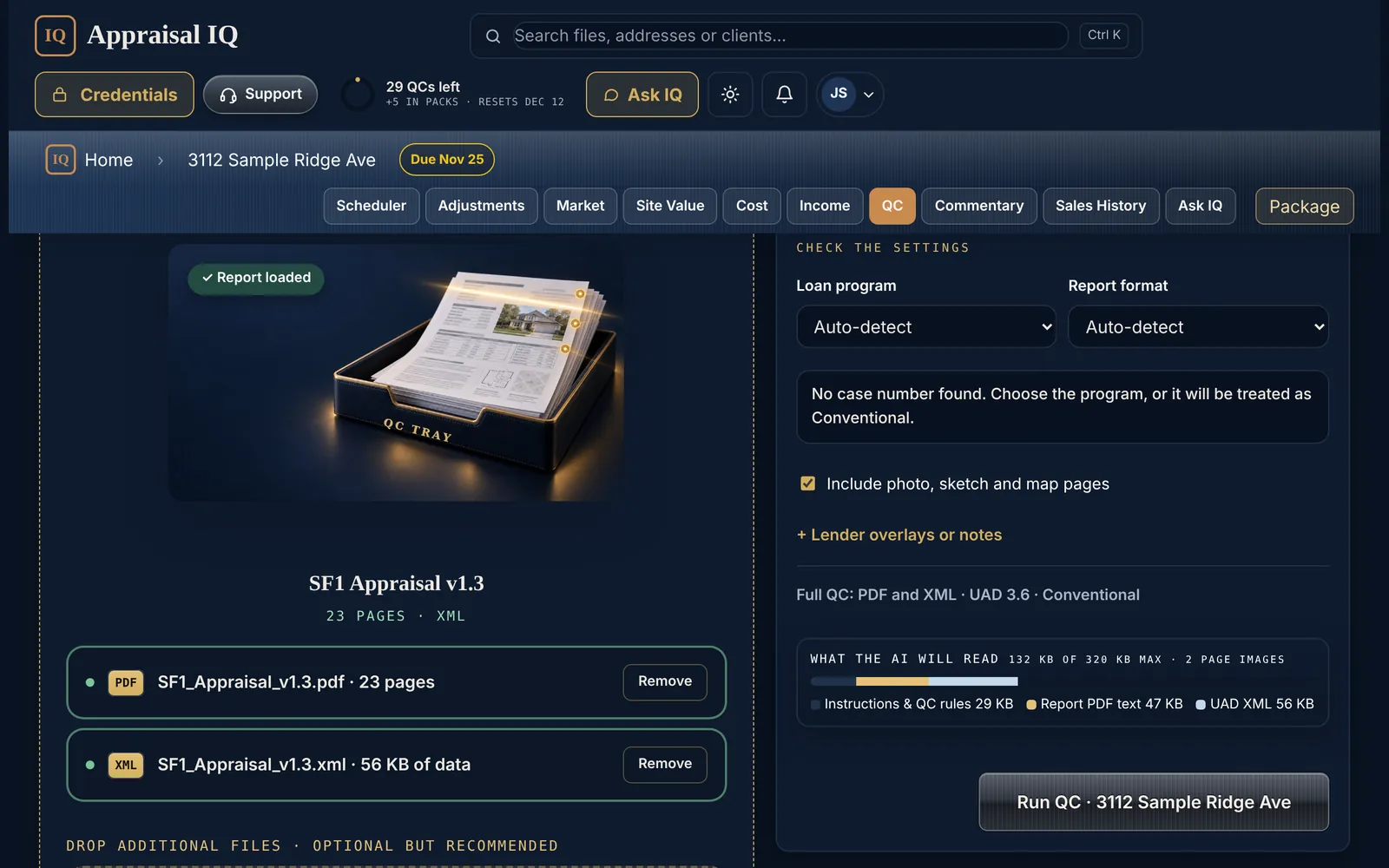
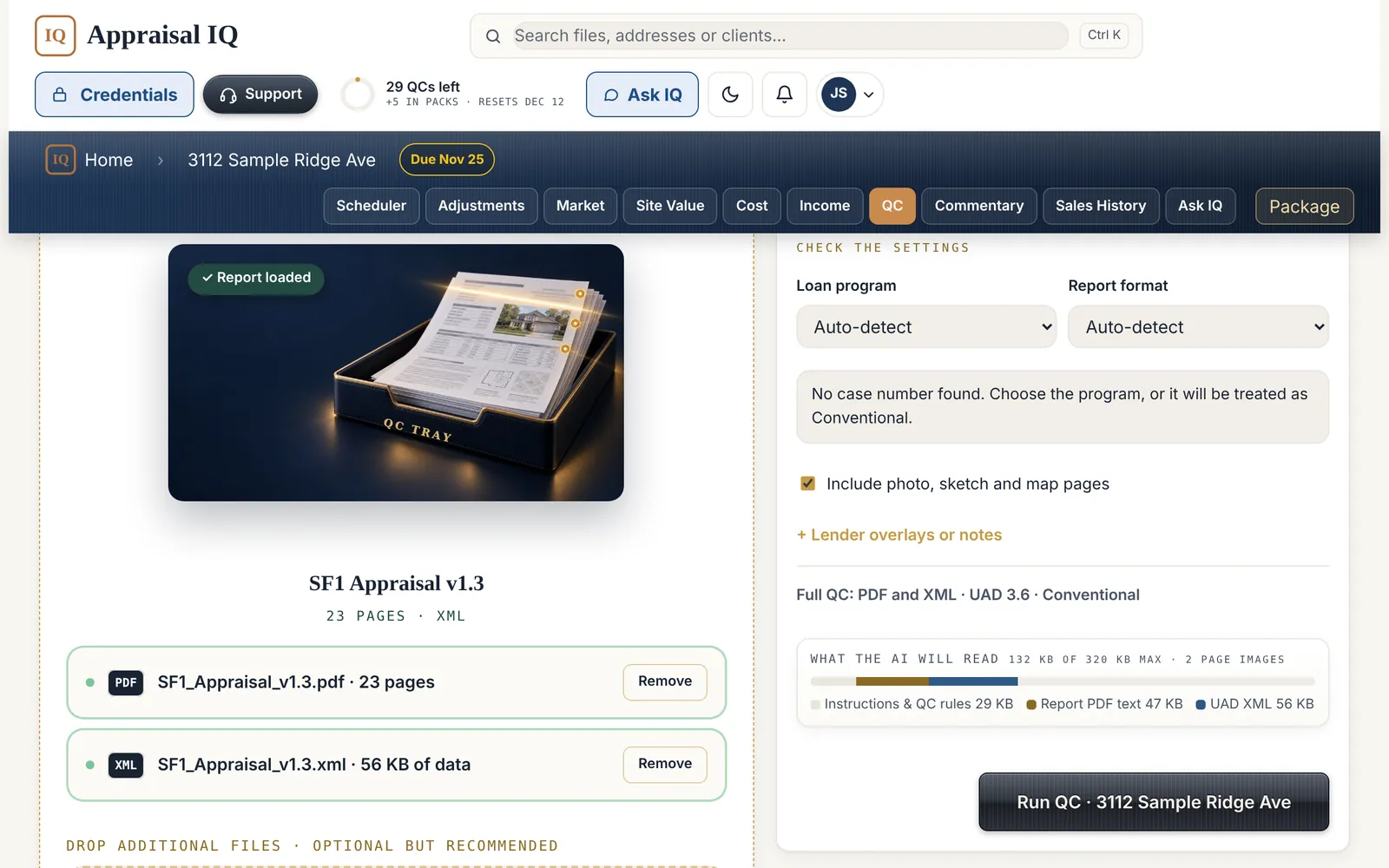
See what changed
The re-check compares the new version with the last round: what's fixed, what's still open and anything new, with the score change. Every run is kept on the file with its score, what it started at and who ran it.
- "77 / was 52" style score history
- Open and keep fixing brings back the whole report
- Every run and how each finding was resolved goes in the work file
Before you move on.
Straight answers.
Is the re-check really free?
Yes. One re-check per file is included in every license. Further re-checks use a QC, and Osova says so before it runs.
Will ignoring a finding lower my score?
No. Items you mark Fixed or Ignore stay that way on every re-check.
What if I'm on a different computer?
The run opens as its saved list (titles, severity, Fixed / Ignore) and offers the re-check. Drop the PDF to see the page highlights.
Try all six steps on your next report.
New plans and pricing arrive January 1. Request early access and we'll set you up. Your reports and work stay on your computer.