

Keep your work file, in one dated PDF.
Every engine saves a work file PDF. Package bundles the whole file into one dated PDF for USPAP record keeping, including a technology-use record for USPAP AO-41: what the software did on the file and what you supplied and decided. It saves to your computer; Osova keeps no copy.
Step 6, screen by screen.
What you do, in order, and what Osova does for you at each point.
Save each engine's work file PDF
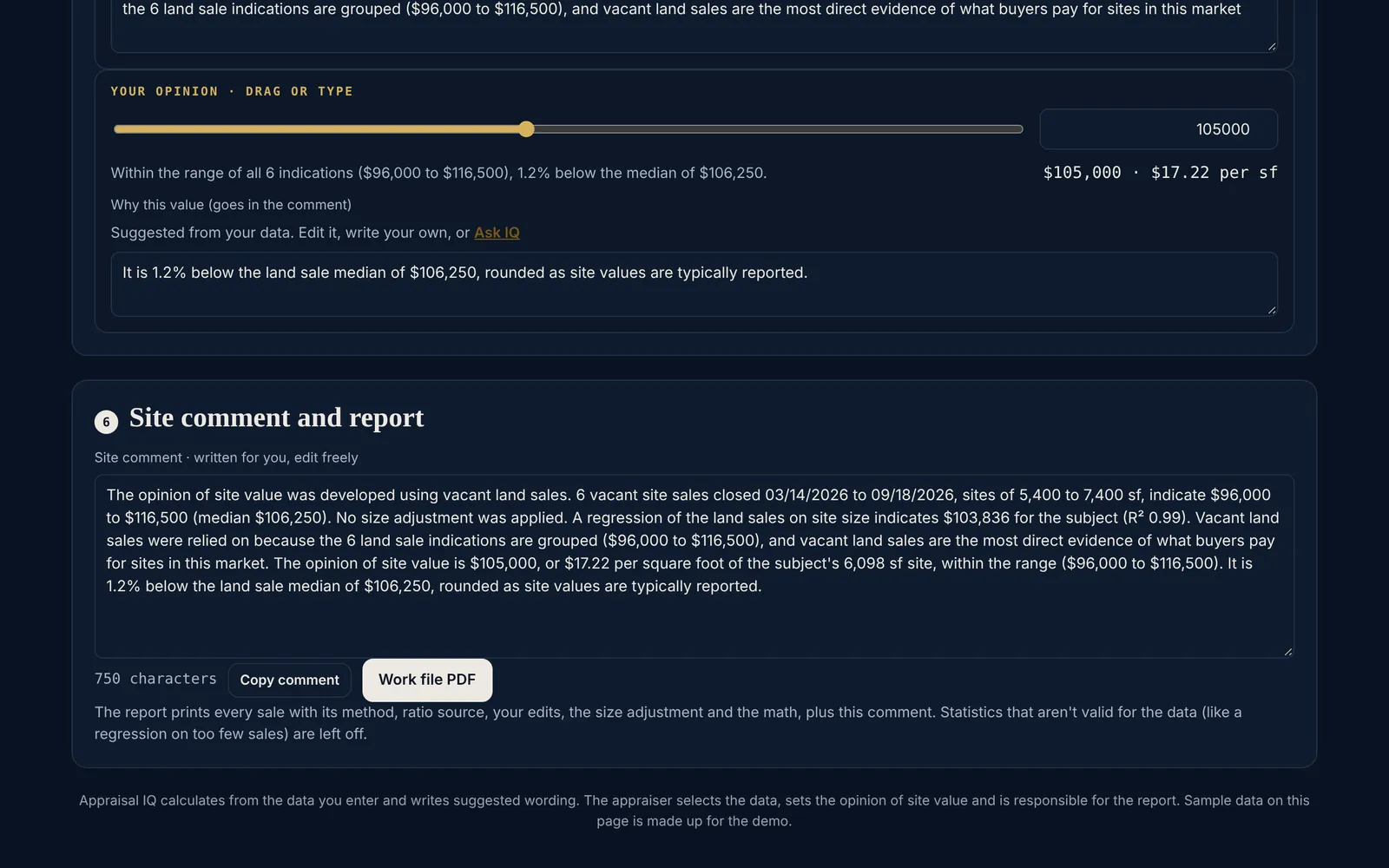
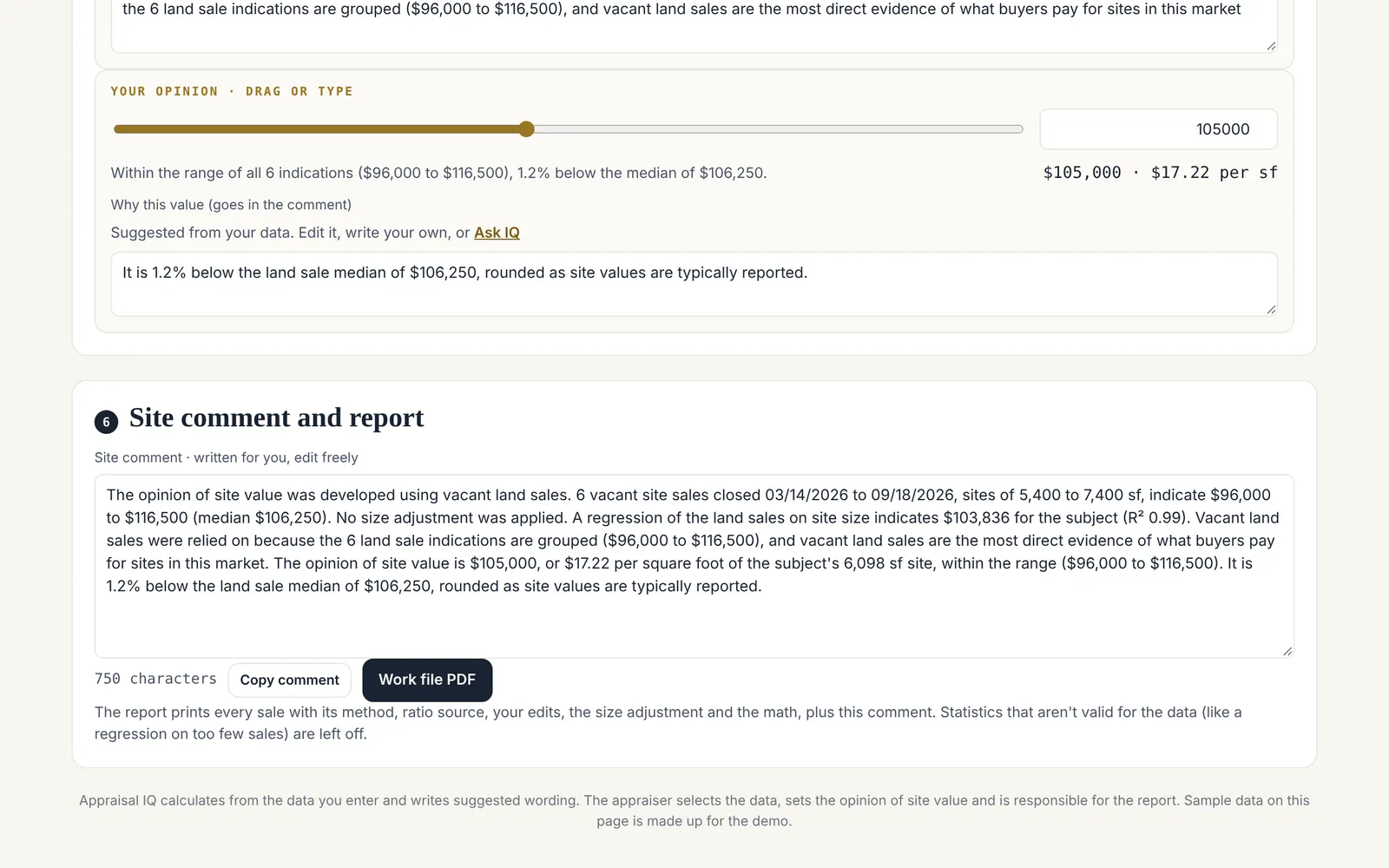
Adjustment Analysis, Market Conditions, Site Value, Cost Approach and Rentals and Income Approach each save a work file PDF with the data, the method and the math, plus the commentary as delivered.
- Every sale, ratio source and calculation
- Survey contacts kept with real names, even when the report withholds them
- Keep them in your work file; don't deliver them to the client
Build the workfile package
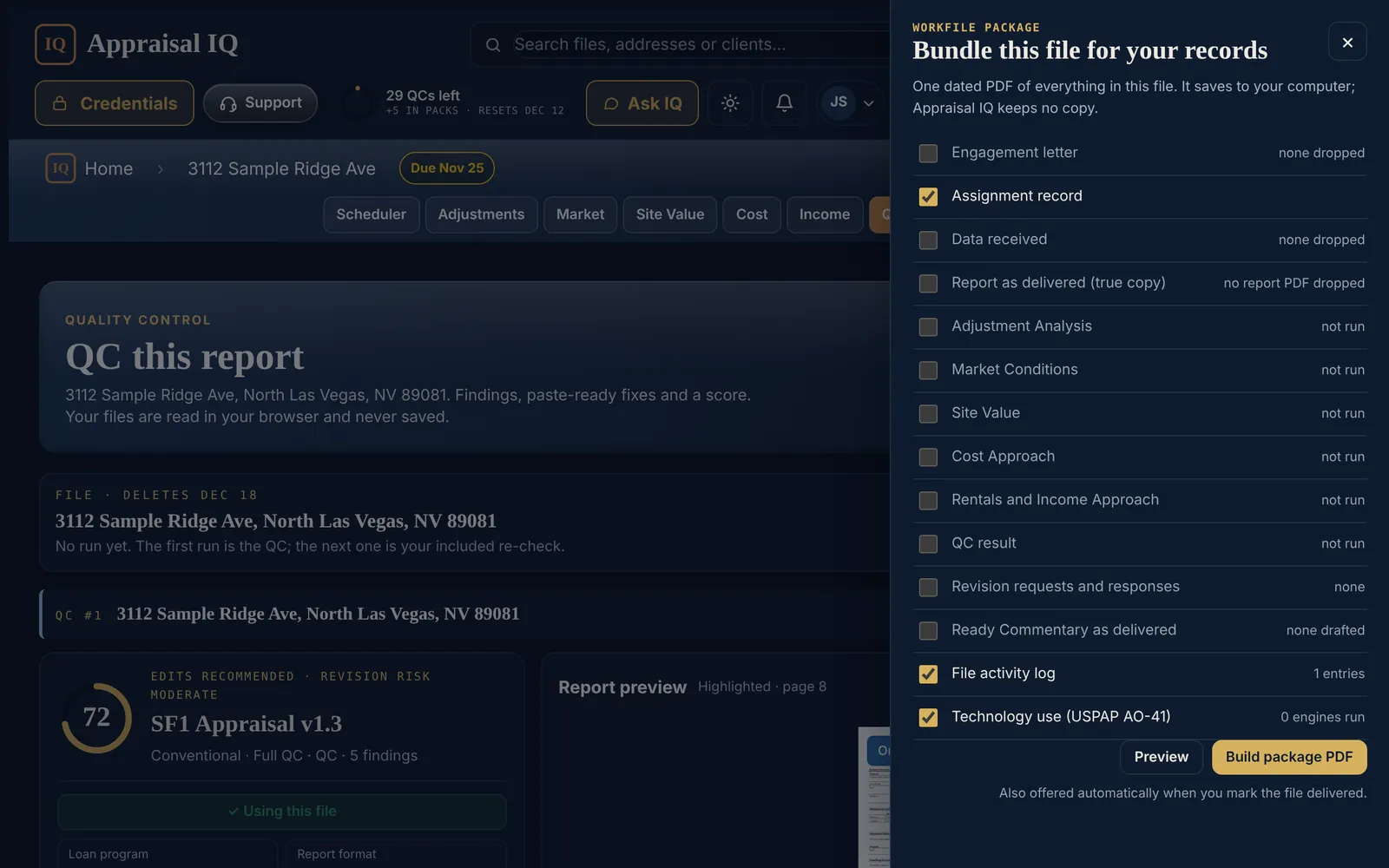
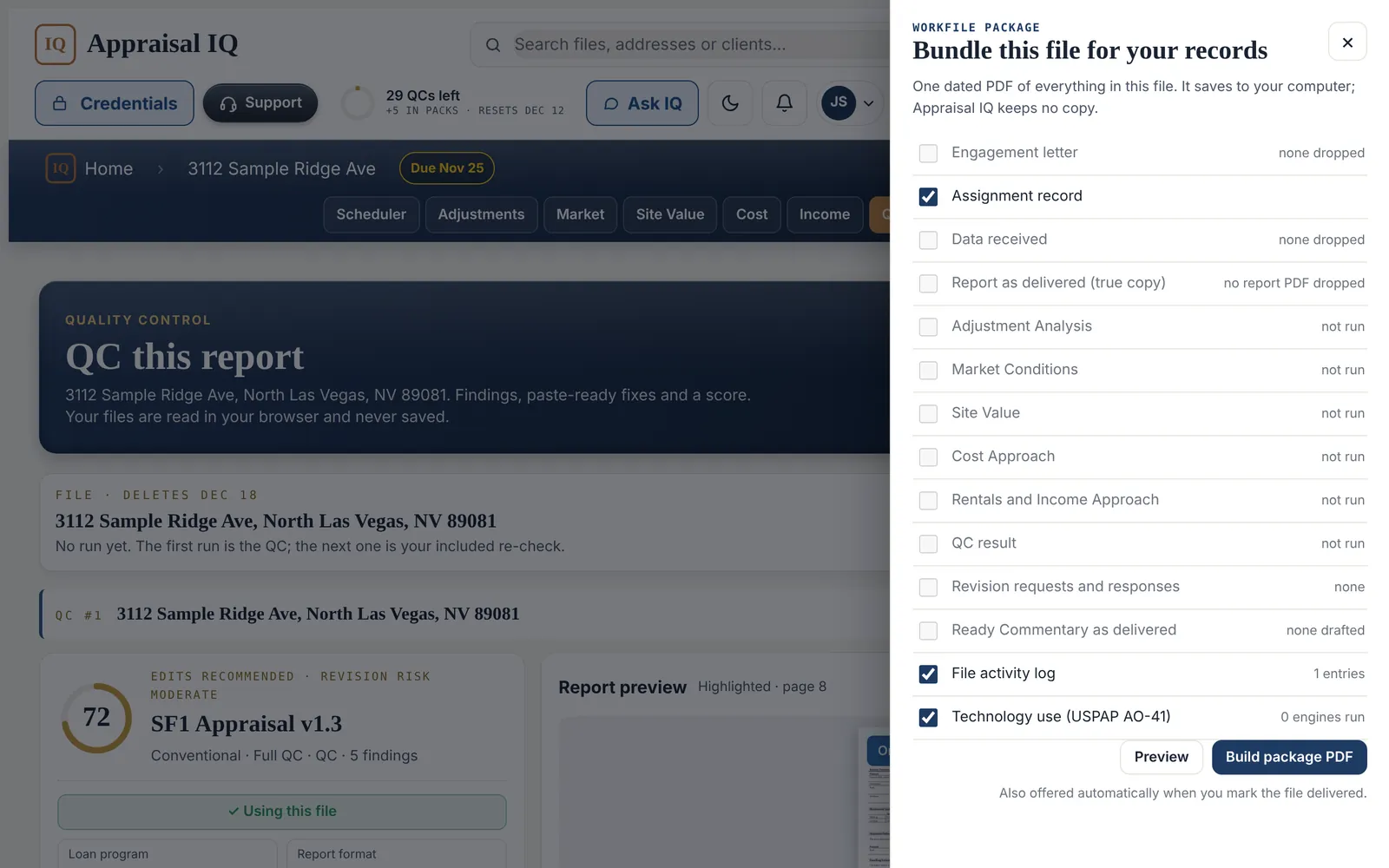
Package on the file bar lists everything in the file with its date; anything not run is greyed out. Uncheck what you want left out, then Preview or Build package PDF. It's also offered when you mark the file delivered.
- Engagement letter, assignment record and data received, with the original files attached
- Each engine's work file, every QC run and how each finding was resolved
- Revision requests and responses, Ready Commentary as delivered, and the activity log
Keep it, unchanged
The package saves to your computer with a SHA-256 fingerprint on the cover and in the file's activity log, showing it hasn't changed since it was made. Before you build, Osova checks the engagement letter: if it asks for a 1007, the cost approach or a 1004MC that isn't in the file, it tells you.
- Technology use (USPAP AO-41) section included
- Keep at least five years, or two years after a case you testified in
- Osova keeps no copy
Before you move on.
Straight answers.
What is the AO-41 record?
A Technology use (USPAP AO-41) section in the package: which engines ran on the file and when, and that the appraiser supplied all of the data, including every comparable sale, and made every decision.
How long should I keep it?
At least five years after preparation, or two years after the end of any court case where you testified, whichever is later.
Do you keep a copy?
No. The package saves to your computer. Your reports and work stay on your computer.
Try all six steps on your next report.
New plans and pricing arrive January 1. Request early access and we'll set you up. Your reports and work stay on your computer.